How to test your form?
We'll do a demo submission and then see where the response appears
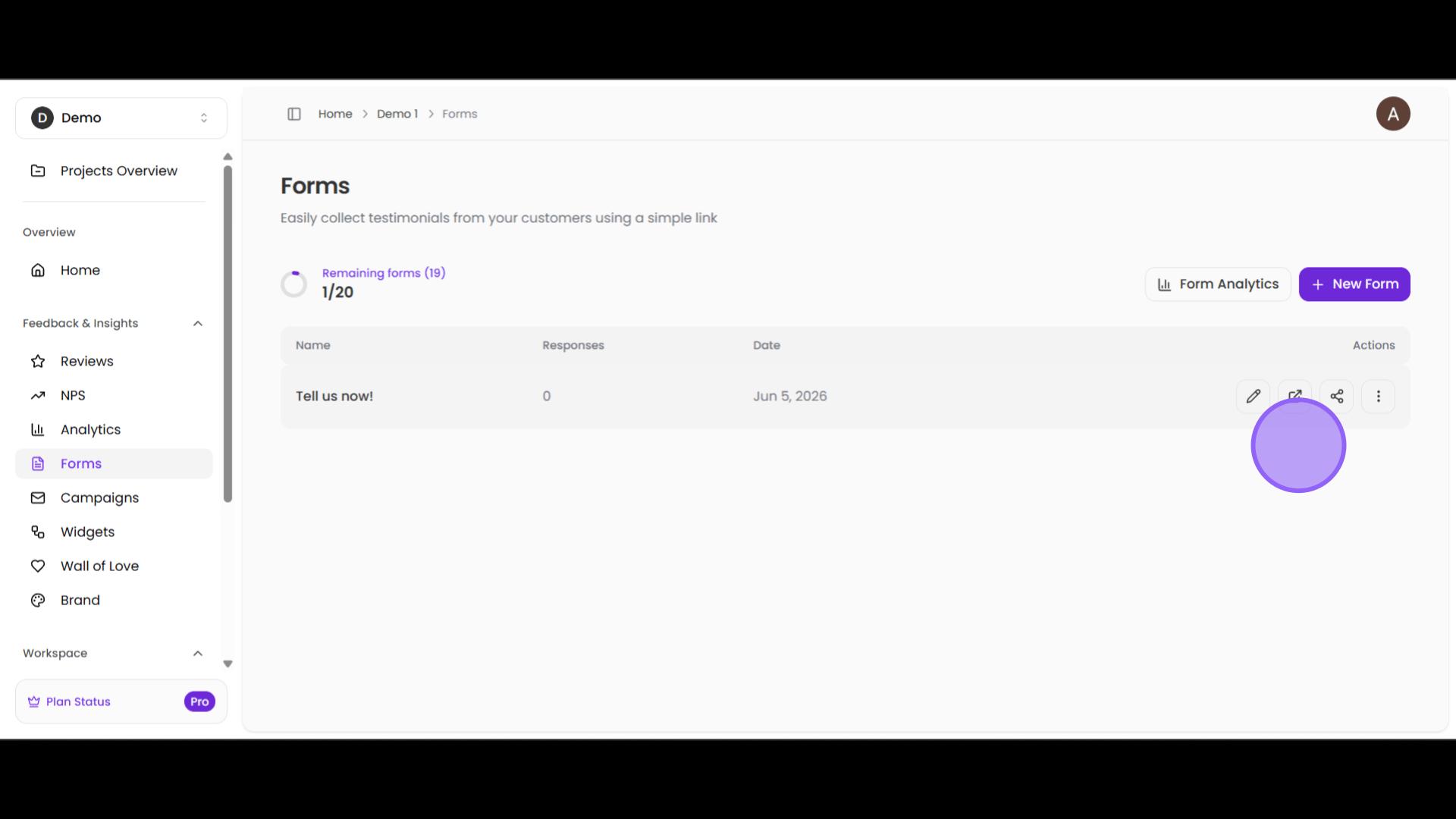
First, navigate to the Forms page from your Project home page on Bragly. You will see your forms listed here. In the image, you can see only one form titled Tell us now! Now, click on the view icon to see what a customer would see.
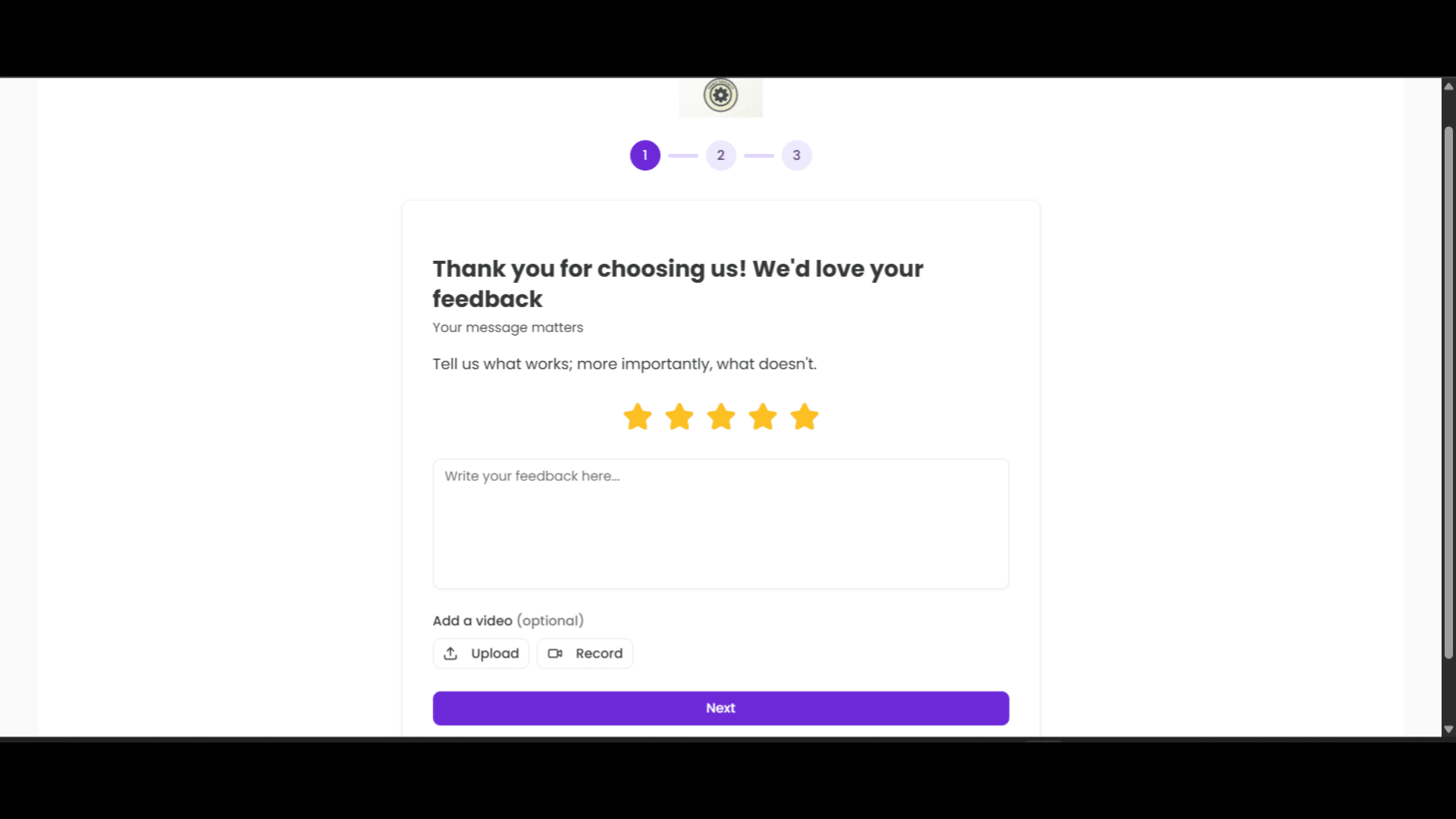
This will take you to the first page of the form with an input field for textual feedback along with options to record or upload a video testimonial. Note: the video option appears because it was enabled during form creation.
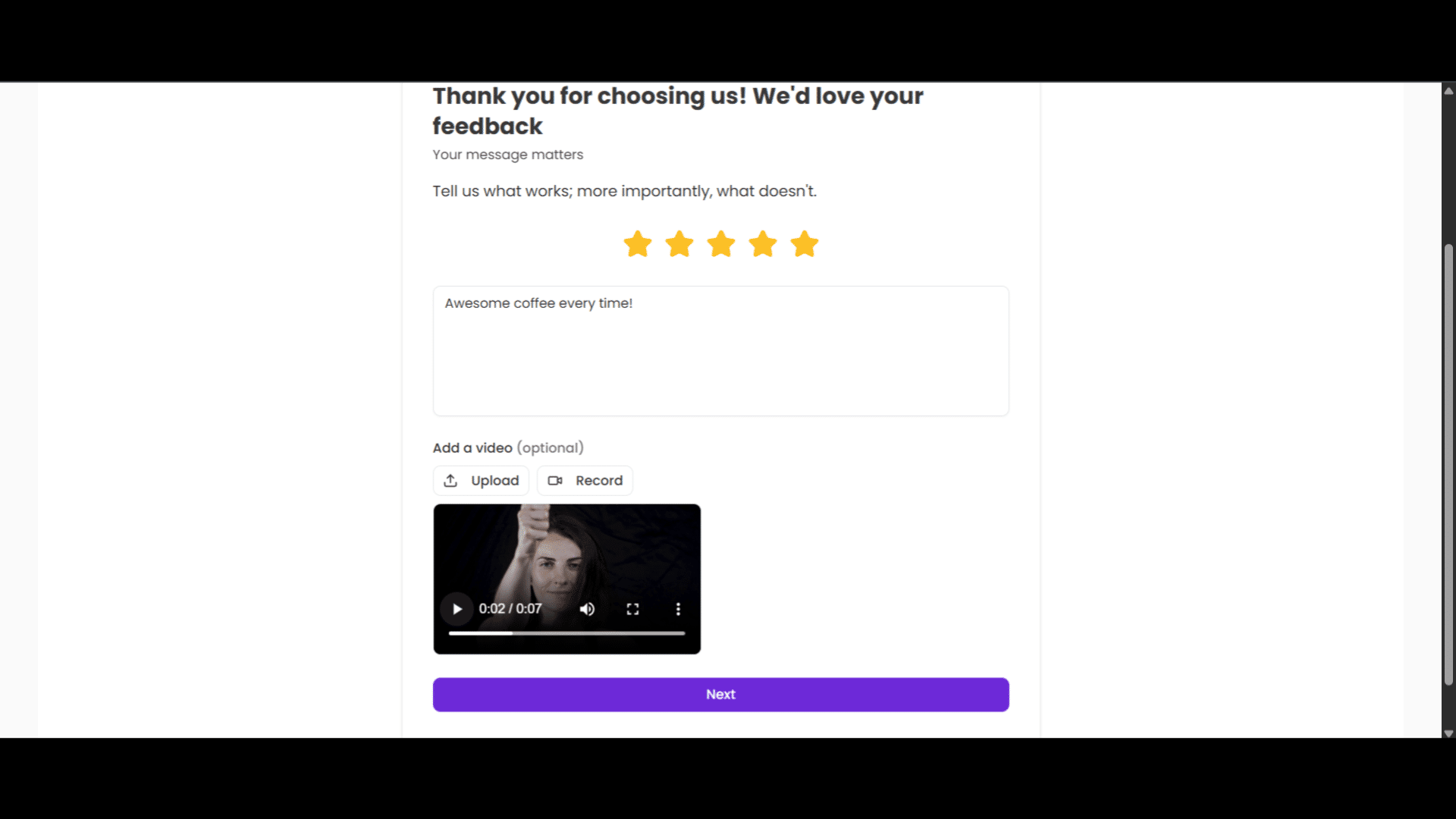
Write a review. If you have a pre-recorded video, upload it. If you want to record one, click Record and you'll see a dialog asking for camera and microphone access. Allow microphone and camera and click Start recording. Once you are happy with the inputs, hit Next.
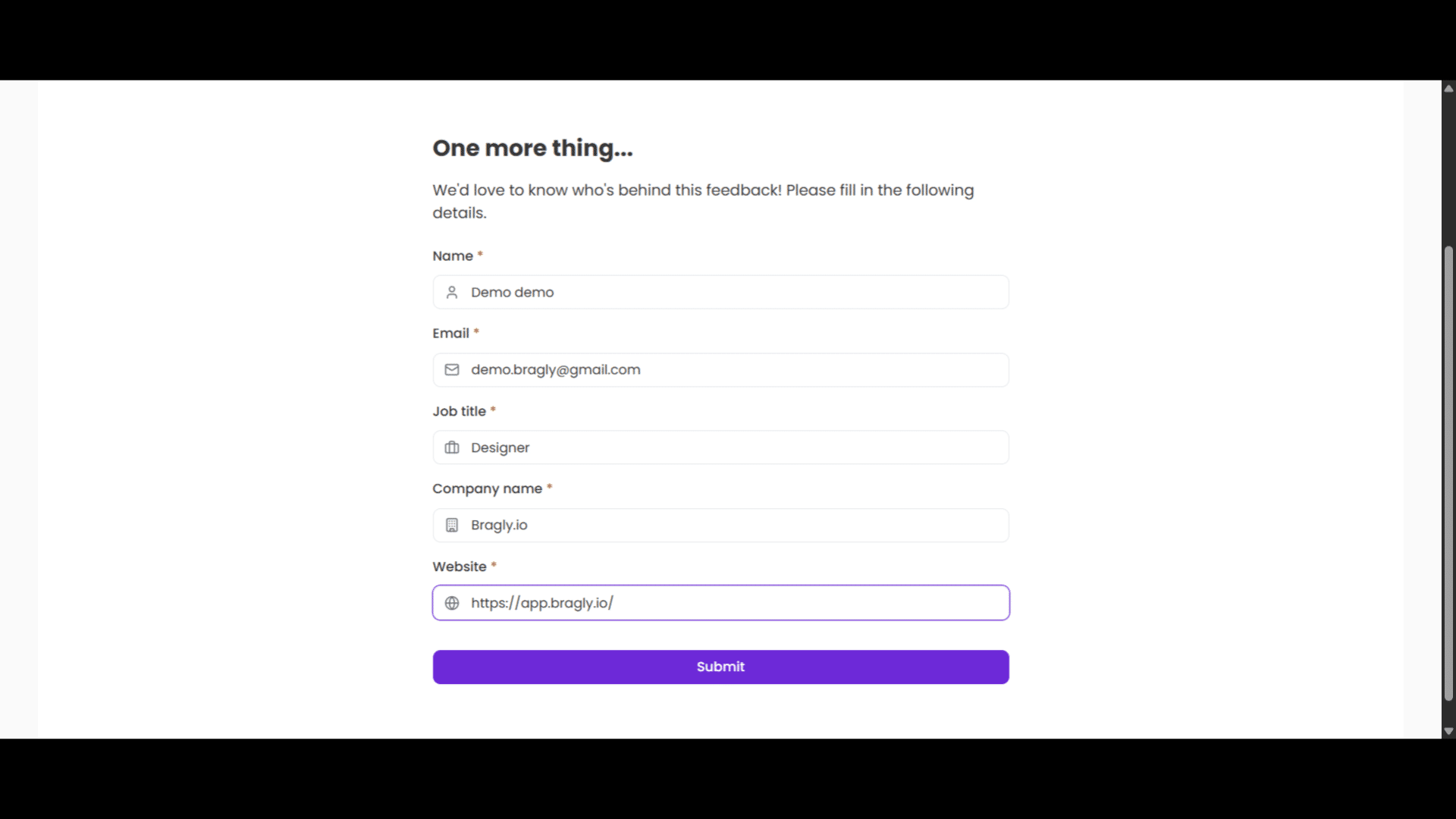
Populate the personal details page and click Submit.
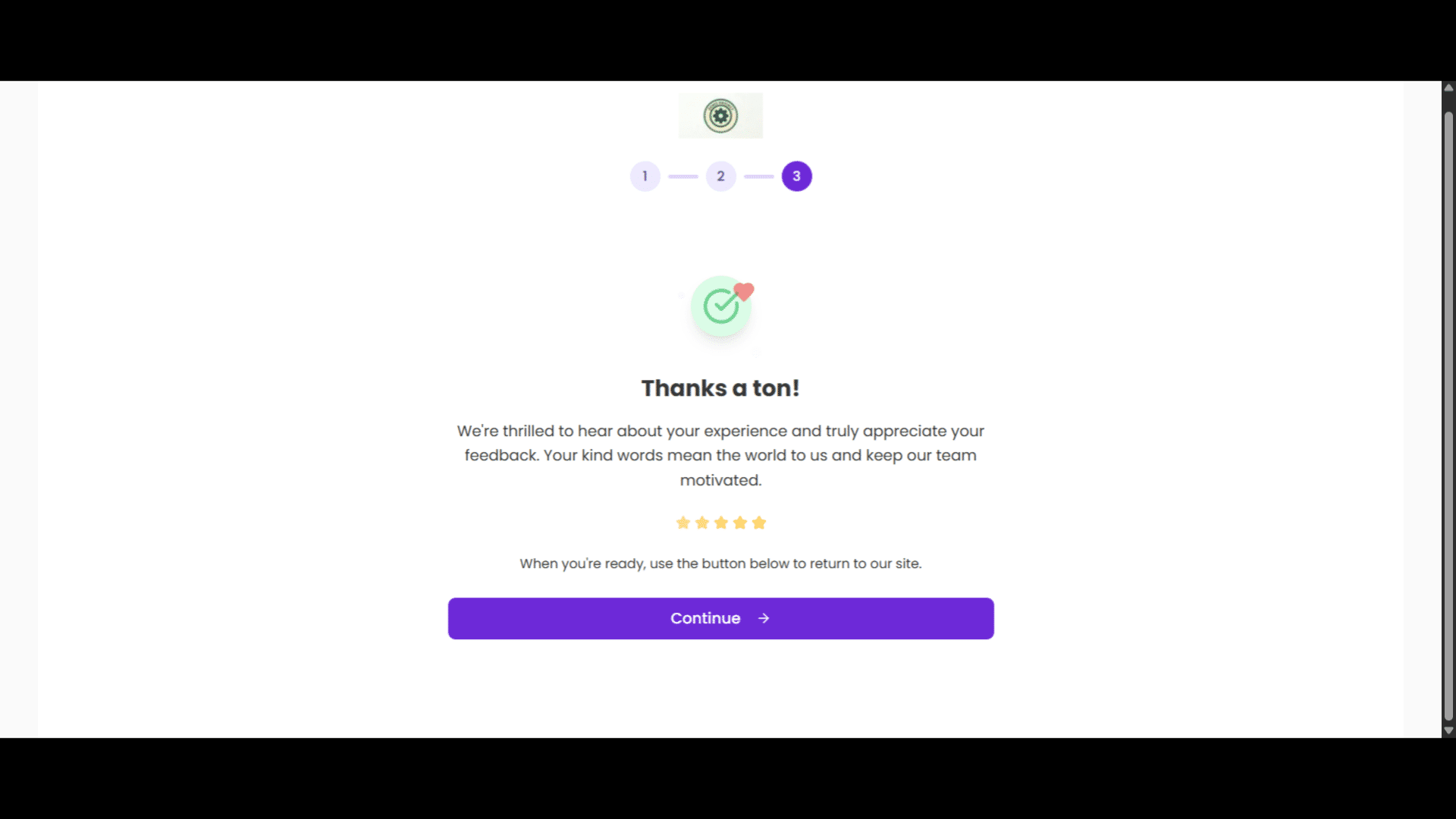
Finally, click continue to complete the process.
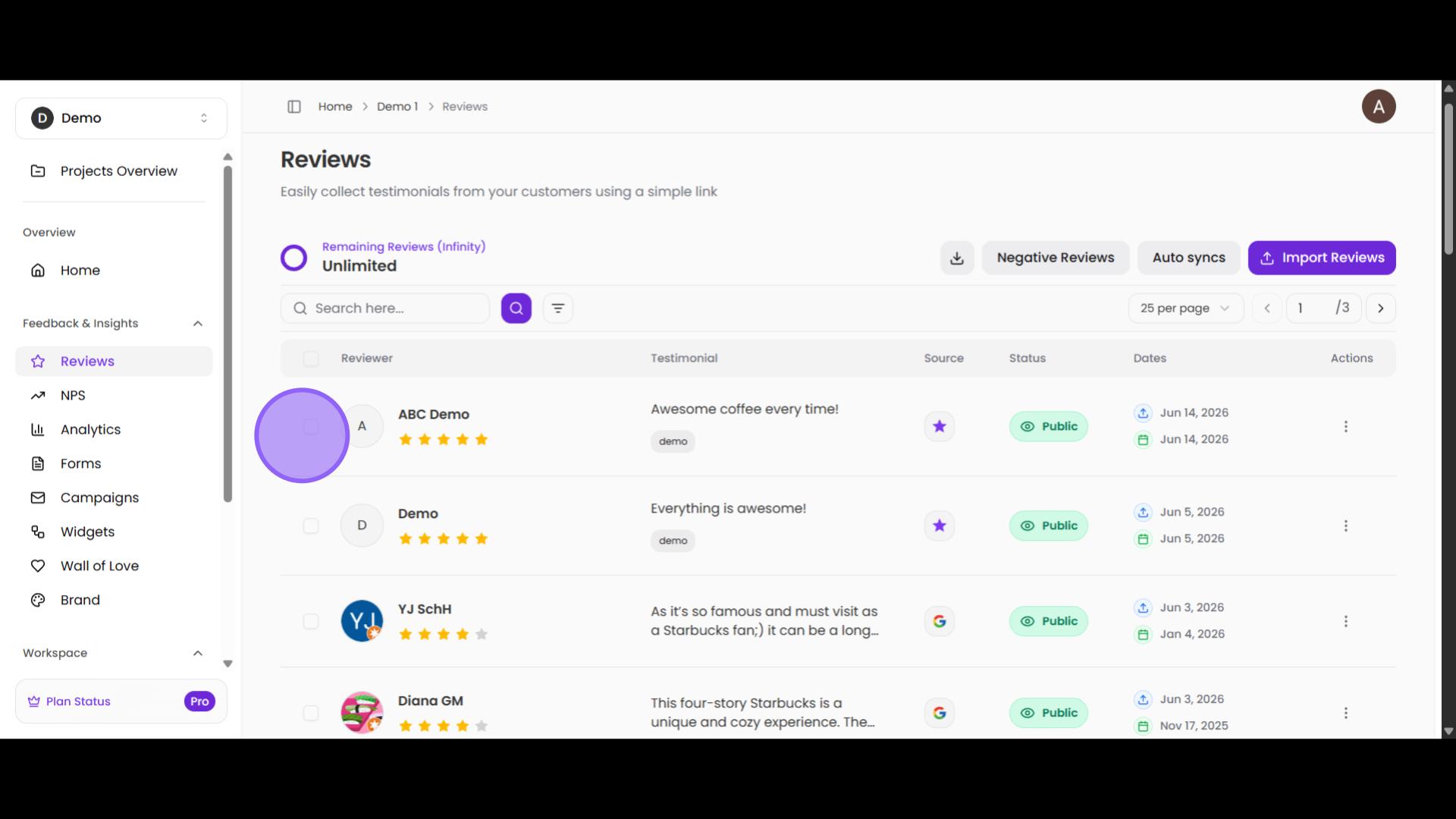
Now, go to the Reviews page where all your reviews are listed. And you'll find the response you just created. Click on it to open it. That's it!