
How to set up your Bragly account?
Get started in a few easy steps!
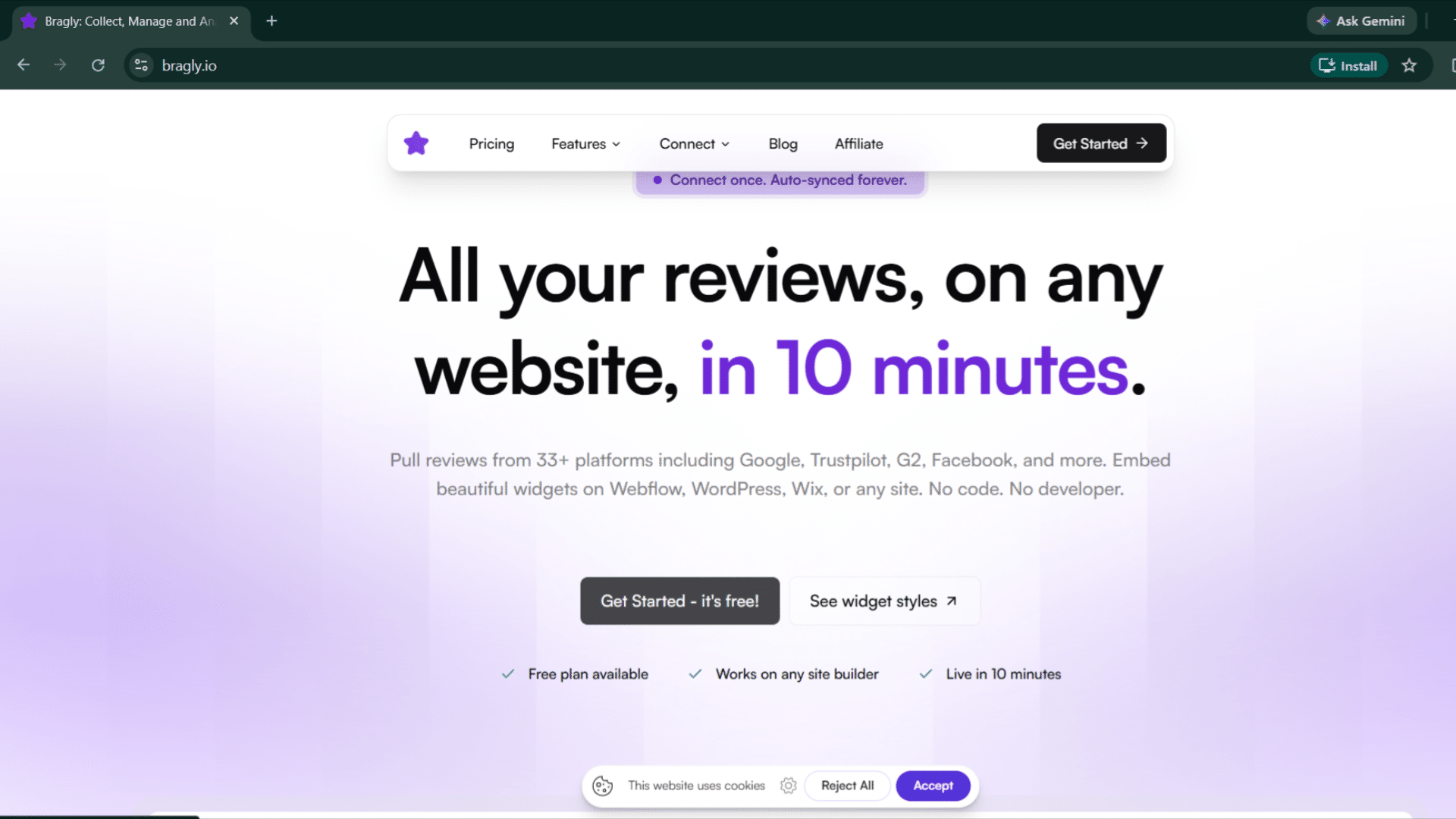
1. To create your free Bragly account, go to bragly.io and click Get Started. You can sign in with Google or email.
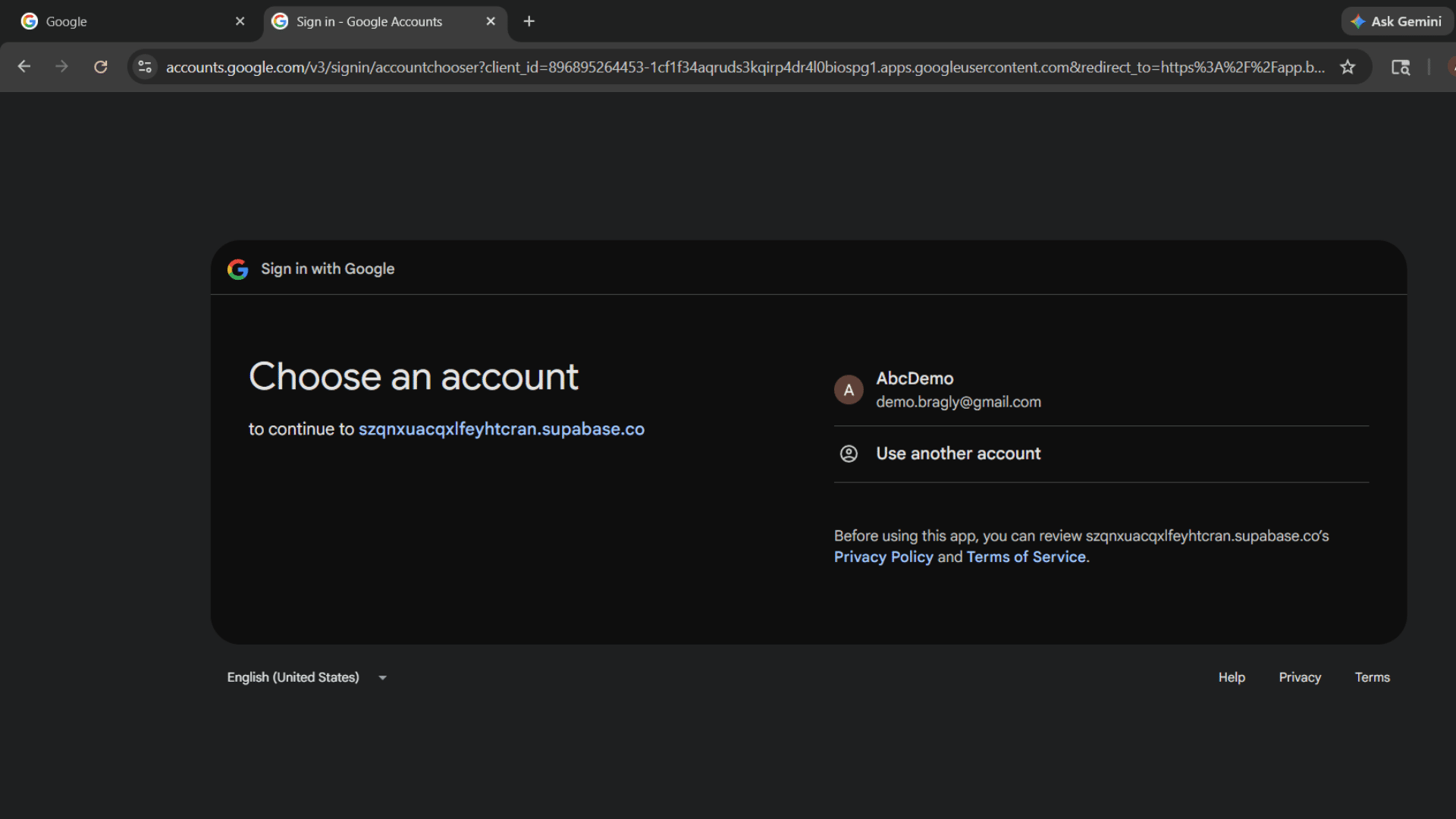
2. If you choose to sign in with Google, just select your account. You'll be led back to the set up page.
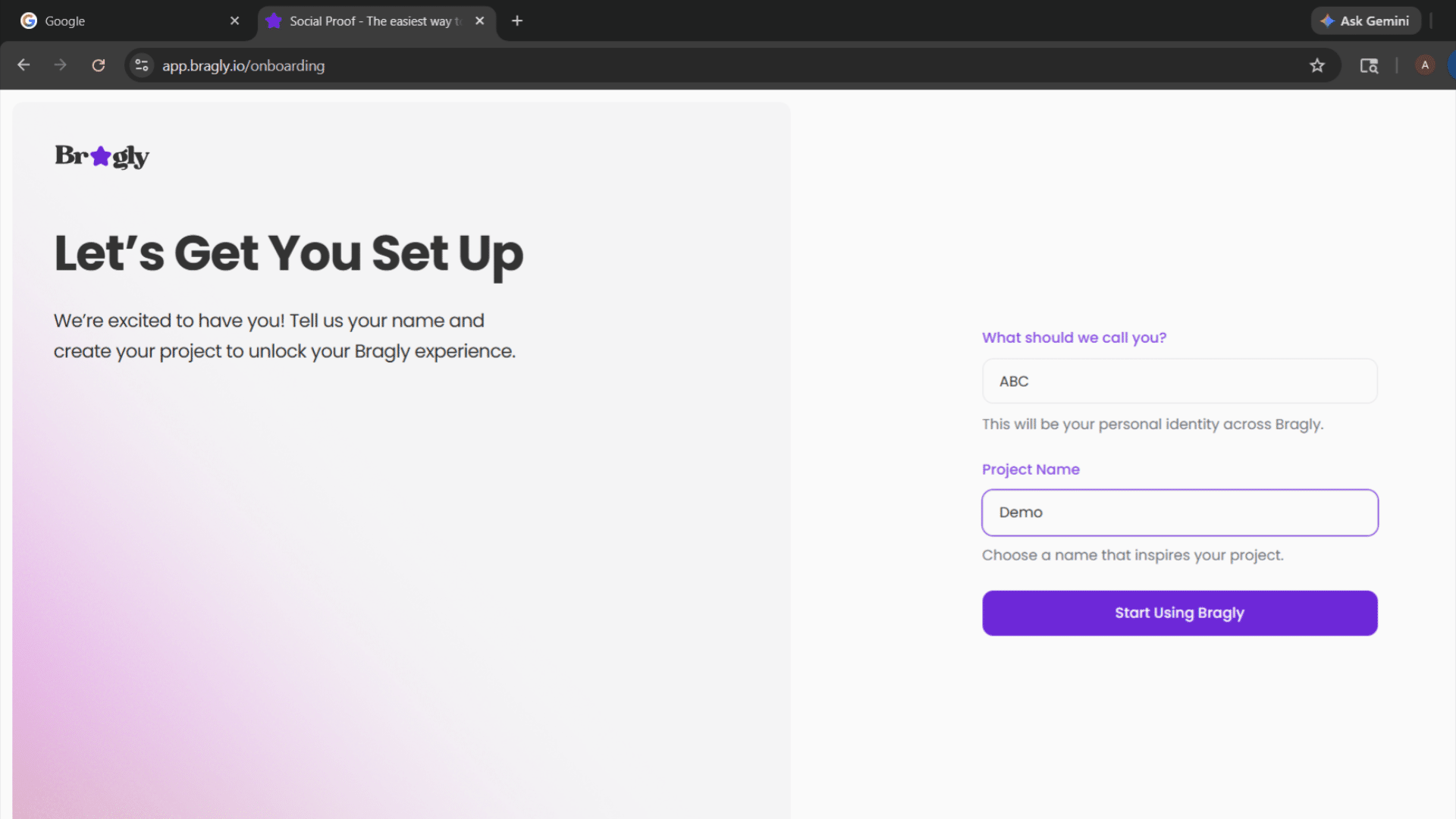
3. Enter your name and your project title and click Start Using Bragly.
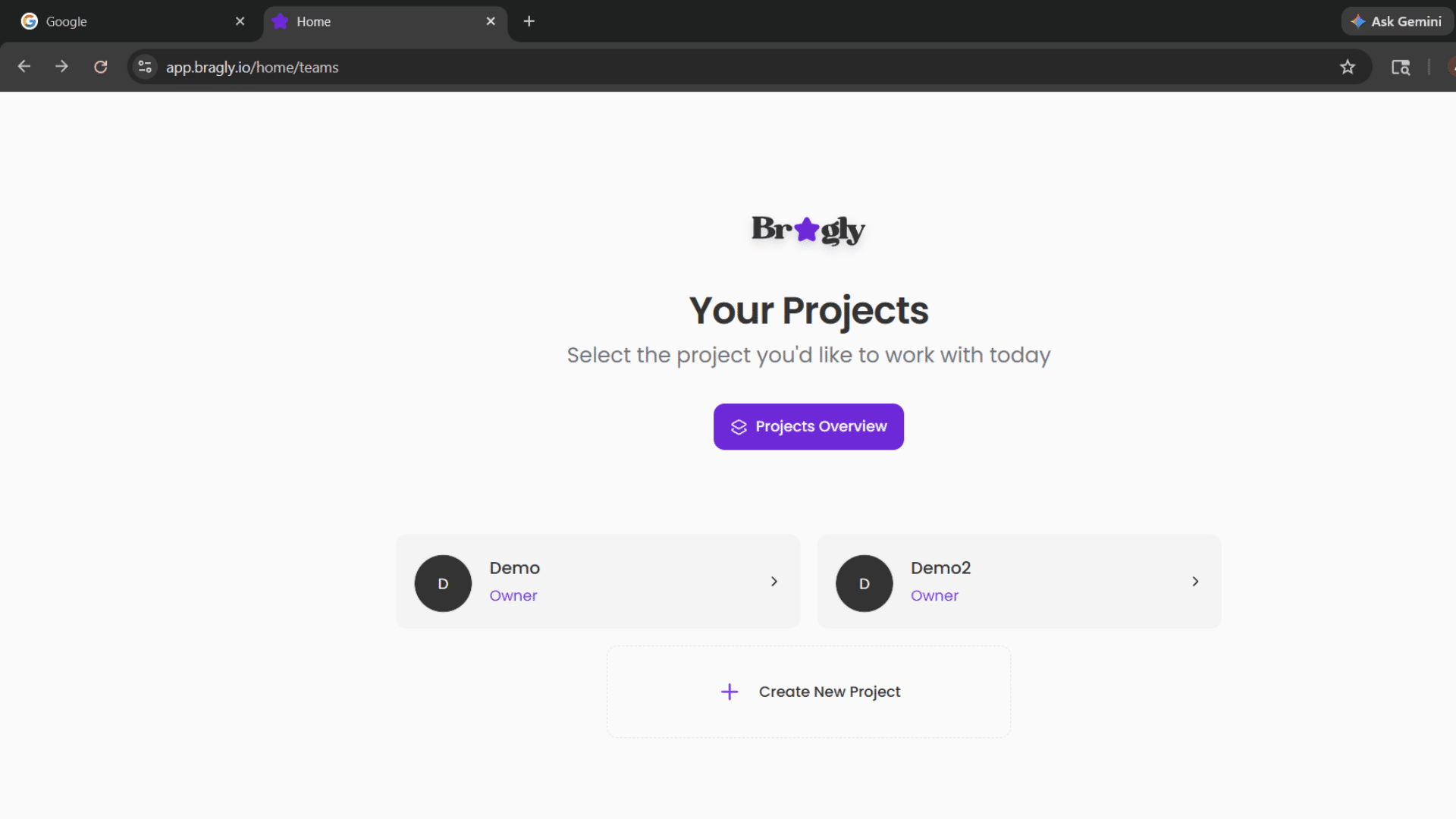
4. That's it! Your Bragly account is set up and your project is ready to use. You get pro-level access to Bragly including unlimited review imports and more for 30 days.
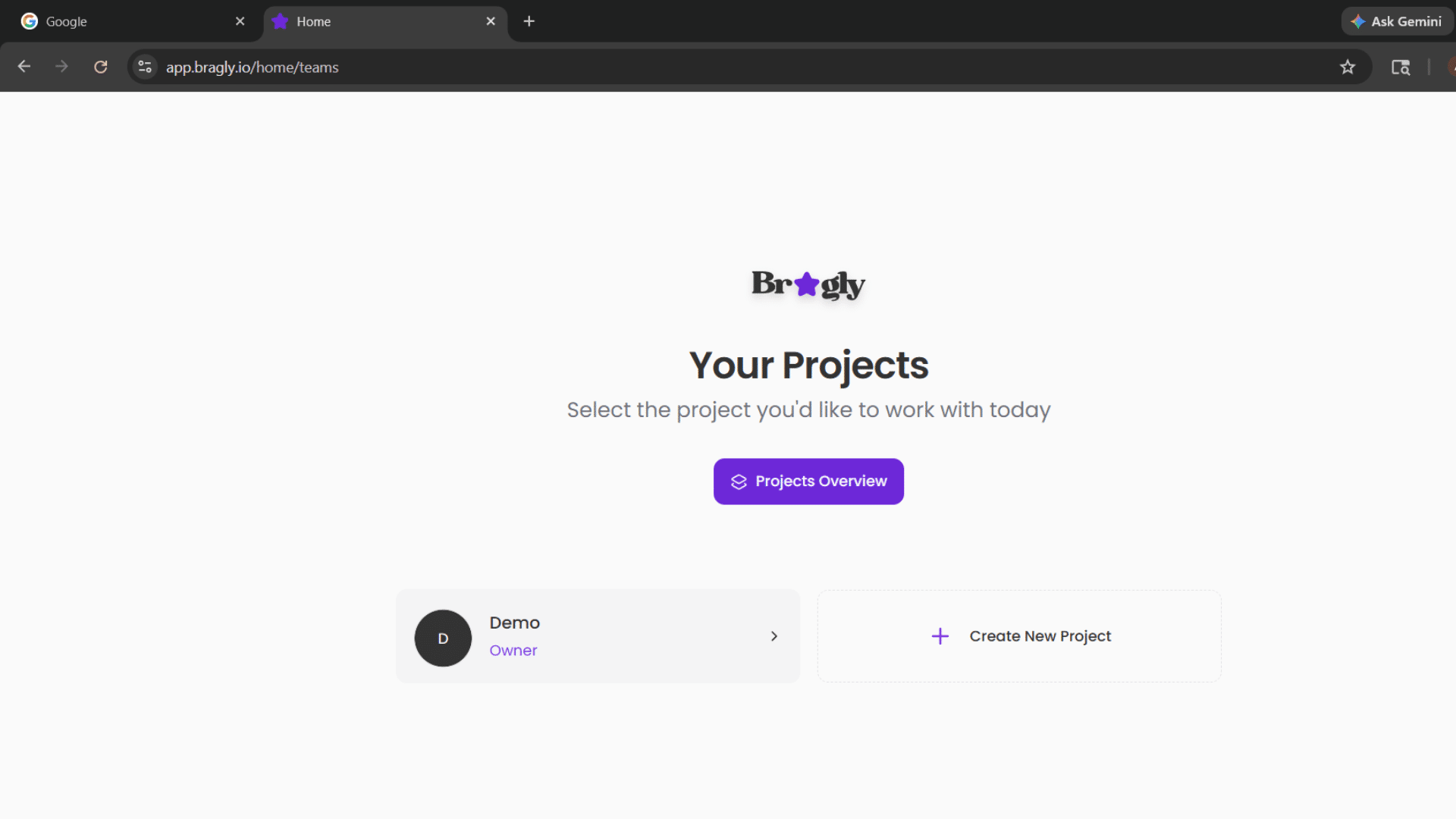
5. You can create more projects using the Create New Project button. However, the pro-level features are available for only one project during the free trial.
Was this page helpful?