
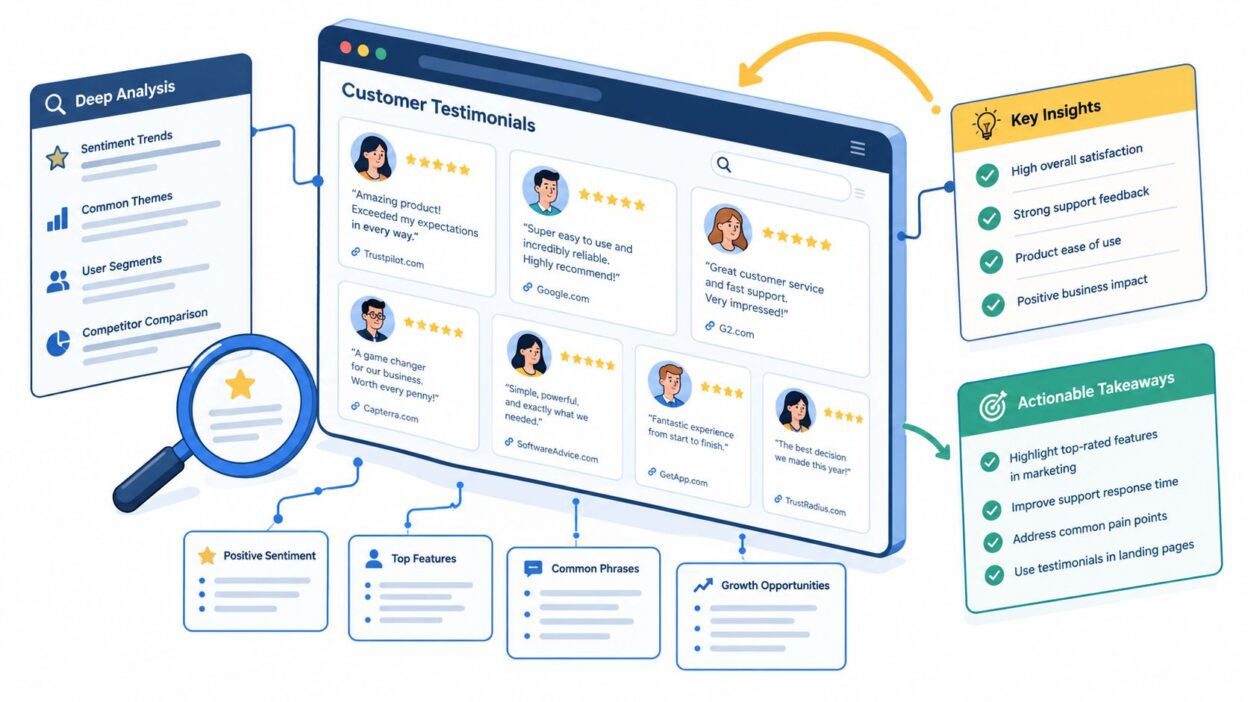
Looking for a Shorter Overview?
AI Summary
Key Moments
Tailored Testimonial Placement
Matching testimonials to specific pages and visitor objections enhances relevance and conversion.Source Aggregation and Automation
Platforms that consolidate multiple review sources and automate updates reduce manual work and keep proof fresh.Multi-Format Testimonial Use
Leveraging video, text, popups, and social formats maximizes testimonial effectiveness across channels.Compliance and Authenticity
Clear disclosure and provenance of testimonials are critical, particularly under FTC regulations effective October 2024.Adding a testimonial slider does not create trust. A rotating quote with no source, context, or relevance can feel like decoration, especially when visitors are comparing expensive or unfamiliar options. A persuasive website with testimonials matches the format, source, and placement of customer proof to the visitor's decision stage.
That matters because 89% of consumers read online reviews before purchasing, while 73% trust a business more after reading positive reviews (review behavior data). The strongest examples make testimonials specific, recent, visually appropriate, and easy to verify. This comparison evaluates seven platforms by the testimonial job they support, including video collection, proof hubs, ecommerce reviews, feedback distribution, and page-level placement. It also considers collection workflow, source attribution, freshness, and implementation effort. The examples below are analyzed strategically without linking to competitor websites. For teams that need centralized review aggregation and no-code display, AI-powered testimonial tips can complement a platform such as Bragly.
1. Bragly
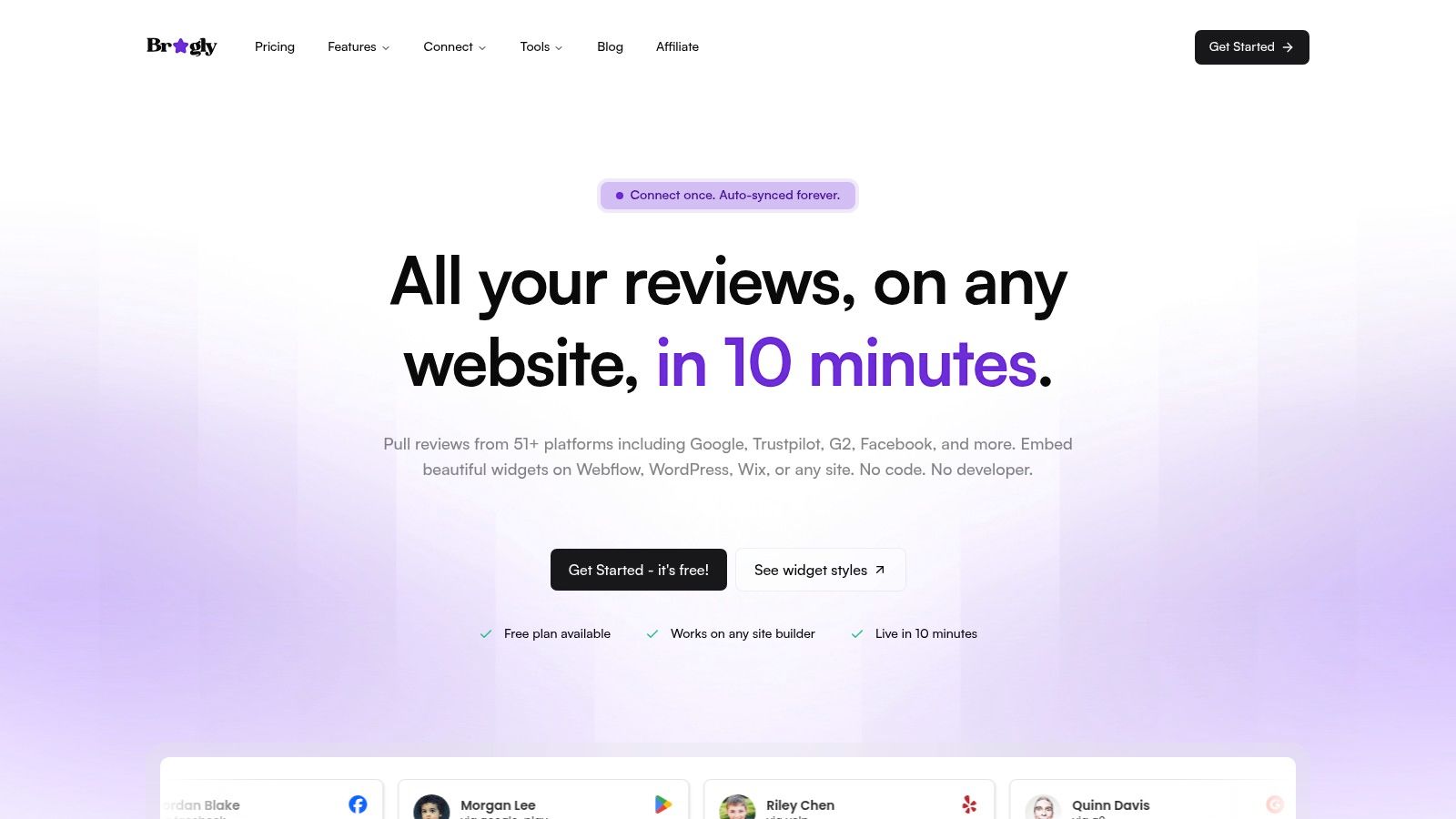


Bragly is a practical model for turning scattered customer feedback into a coordinated website with testimonials, particularly when reviews already sit across several profiles. It connects reviews from 50+ platforms, including Google, Trustpilot, G2, Facebook, Yelp, app stores, Shopify, Airbnb, Zillow, and TripAdvisor. New feedback can be synchronized, reducing dependence on stale screenshots and manually copied quotes. That source coverage suits agencies, SaaS companies, ecommerce brands, and local businesses with proof spread across multiple platforms.
Setup follows a straightforward workflow. Select the review sources, choose a widget, and add one div plus one script to the site. No custom development is required. Available formats include carousels, grids, badges, ribbons, video highlights, and a complete “Wall of Love” page. The trade-off is a broader configuration decision: a homepage, pricing page, product page, and CTA block each need a different proof format. Teams should choose the placement before publishing the widget.
Best use case and trade-off
Bragly supports collection as well as presentation. Teams can create branded text and video forms, add reviews manually, moderate submissions, tag feedback, and filter testimonials by product, audience, use case, or page. AI sentiment and theme detection can help identify repeated customer language. Highlights and suggested replies can also make the review library useful for ongoing marketing work rather than leaving it as a static archive.
Its main practical advantage is relevance at scale. A pricing page can feature comments about value, a product page can show feedback about a particular feature, and a local service page can display reviews from the appropriate location. Lightweight, lazy-loaded embeds help limit unnecessary page weight. Schema, webhooks, analytics, and multi-brand management add options for larger teams. The platform overview is relevant when centralized proof and page-specific publishing are the main requirements. See Bragly's review and testimonial platform.
Practical rule: Don't publish the most flattering quote by default. Publish the quote that answers the objection a visitor is likely to have on that page.
Bragly has a free starter tier, with Pro listed at $14 per month and Business listed at $67 per month. Plan limits include collection forms and monthly AI analysis, so growing teams should check capacity before standardizing the workflow. The site does not publicly list enterprise certifications or SLAs, which larger organizations should verify during procurement.
Pros
- Broad source coverage: Consolidates reviews from more than 50 platforms.
- Fast implementation: No-code embeds work across major site builders and custom websites.
- Flexible presentation: Supports grids, carousels, badges, ribbons, video highlights, and proof hubs.
- Ongoing maintenance: Auto-syncing, moderation, tagging, and analytics reduce manual work.
- Accessible entry point: Free, Pro, and Business plans support gradual adoption.
Cons
- Plan limits: Collection and AI usage caps may require an upgrade as the library grows.
- Enterprise verification: Teams with strict compliance requirements should confirm support, security, and service terms.
Implementation takeaway: Create tags for buyer type, product, objection, outcome, and funnel stage before adding widgets. That structure lets the team match relevant reviews to the claims they support instead of building one generic testimonial section.
2. Testimonial.to
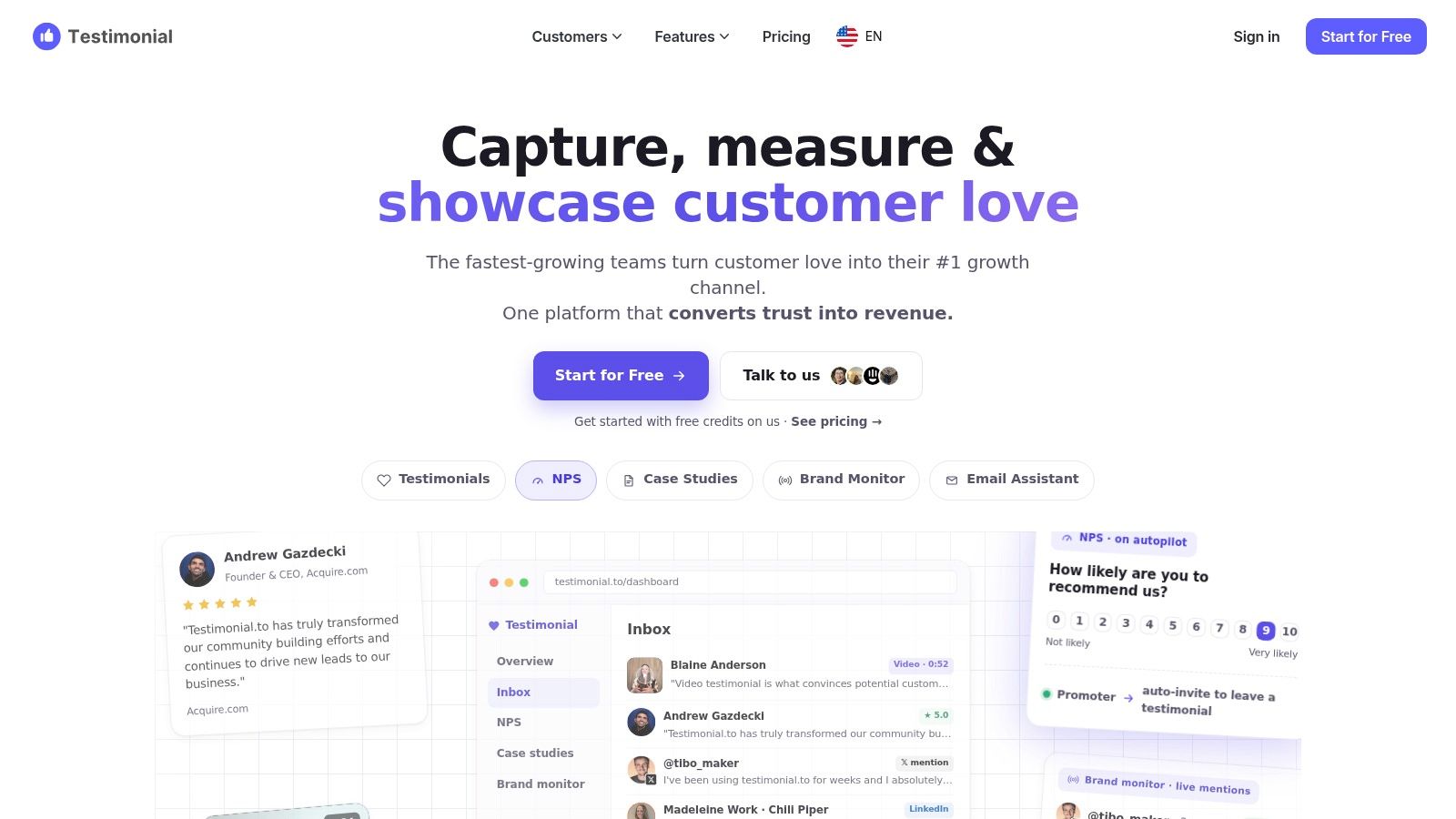
Testimonial.to focuses on one job: collecting video and written customer proof quickly. Its shareable collection pages let customers submit a video or text response, while a Chrome extension helps teams import existing reviews. SaaS founders, agencies, and small teams can therefore collect customer language without rewriting every response into polished marketing copy.
The platform separates collection from presentation. Customers submit feedback through a lightweight form, then teams can publish it through Walls of Love, carousels, badges, or embeddable snippets. The short embed process suits common site builders and custom websites. Per-project Spaces keep brands, products, and campaigns separate, while tags and extra form options are available on higher plans.
Match the proof to the page
Video testimonials work best where visitors need to assess confidence, personality, or the experience of working with a provider. A consulting firm could place a short client clip beside its booking CTA, where the speaker's tone supports the conversion decision. A SaaS company could use a founder-led product explanation on a landing page, then place the customer's written version in a pricing section for visitors who are scanning.
Written and video responses can come from the same collection workflow, but they serve different page conditions. Video adds personality and context. Text is faster to scan and easier to place beside feature or pricing claims. Testimonial.to gives teams the material and display formats, but the team still has to choose the right format for each placement.
The trade-off is operational. Pricing is organized around Spaces, so separate environments for multiple brands or products can raise the total cost. Unlimited video capture belongs to higher-tier plans rather than Starter. Teams should decide whether they need a focused video collection engine or a broader review system that aggregates third-party sources.
For a comparison with a broader review workflow, see Bragly's Testimonial.to integration.
Implementation takeaway: Ask one focused question in the collection form, such as which problem the customer solved. Tag each response by page use, such as booking, pricing, or product proof, before publishing it. A specific prompt usually produces more usable video than a general request for praise.
3. Senja
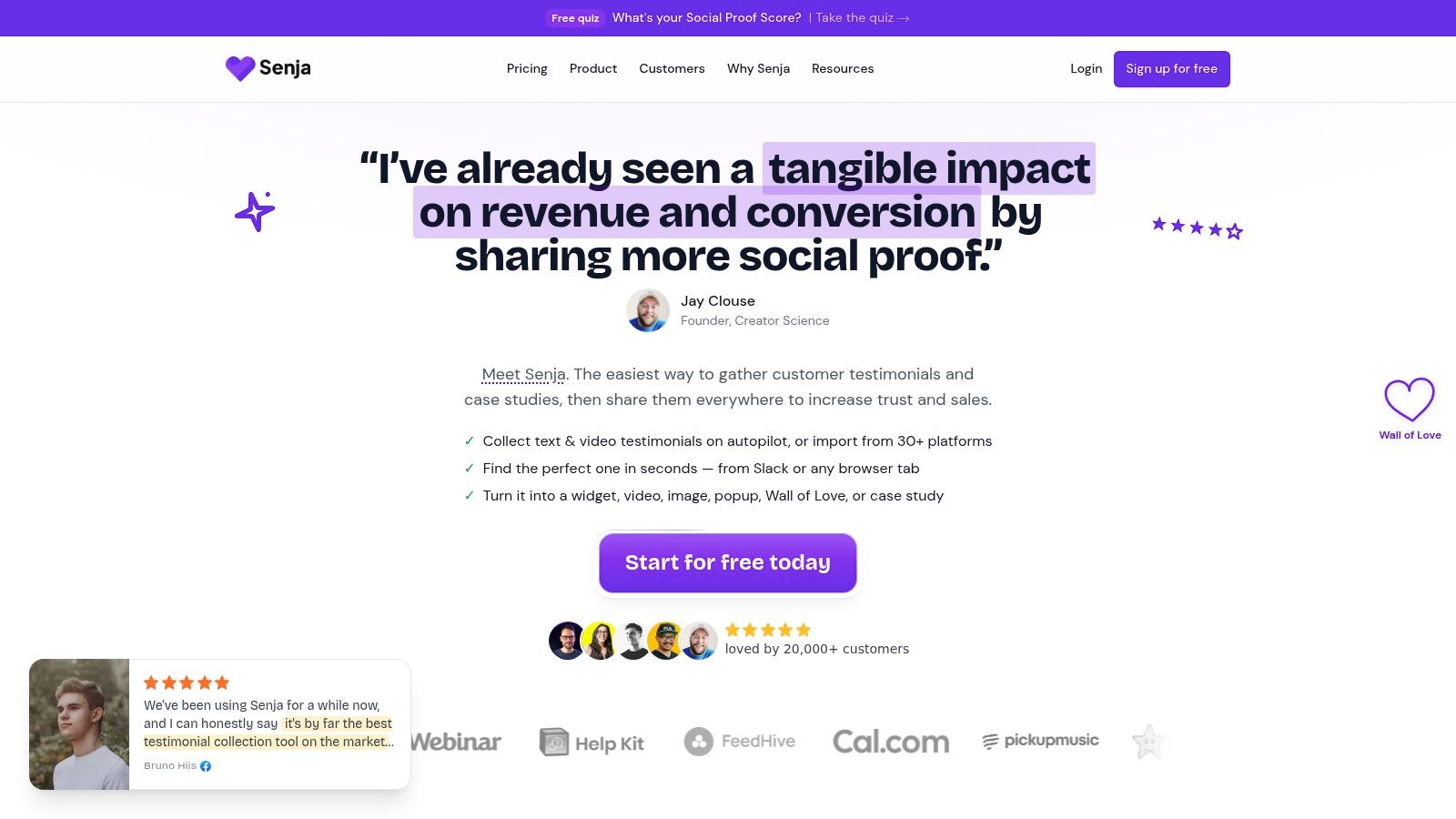
Senja works best when a testimonial needs several jobs, not just one quote card. It turns customer feedback into website widgets, popups, images, case studies, and social formats such as Reels. That makes it a practical model for teams that collect proof once, then adapt it across landing pages, email, case studies, and social content.
A creator might record one course testimonial, use a concise quote on the sales page, create a visual for email, and publish a short clip on social media. An agency could organize responses by client type and develop longer feedback into case-study material. The value comes from connecting collection, editing, and distribution in one workflow.
Senja's gallery includes carousels, badges, masonry layouts, popups, and Walls of Love. Choose the format based on the testimonial's placement. A carousel can support a proof section without taking over the page, while a badge or popup can add trust near a conversion point. Built-in ad-free video hosting keeps clips focused on the brand and customer rather than an unrelated video experience.
The AI Magic Video Maker can remix a testimonial for social distribution when one recording contains several useful points. That capability supports content production, but it does not replace editorial choices. Teams still need to select the strongest claim for each audience and page.
Repurposing workflow is Senja's main strength. The platform can turn one response into website, image, video, and social assets. Ad-free hosting keeps video presentation focused, while widget variety supports proof hubs, CTAs, and content pages. A public roadmap and changelog also give teams context about product development.
The trade-off is workflow depth. Some advanced actions require Zapier, and public API coverage is still evolving. Removing platform branding and increasing usage limits require a paid plan. Teams with complex integrations should validate API maturity and plan restrictions before committing. Automation dependencies can add setup work when a native workflow is not available.
The Senja integration for broader testimonial workflows may suit teams combining multi-format content creation with source aggregation.
Implementation takeaway: Create a reuse rule for every strong testimonial. Publish one concise quote on the relevant landing page, develop the longer account into a case study, and produce one short visual asset for distribution. This separates presentation decisions from Senja's collection and editing capabilities.
4. Endorsal
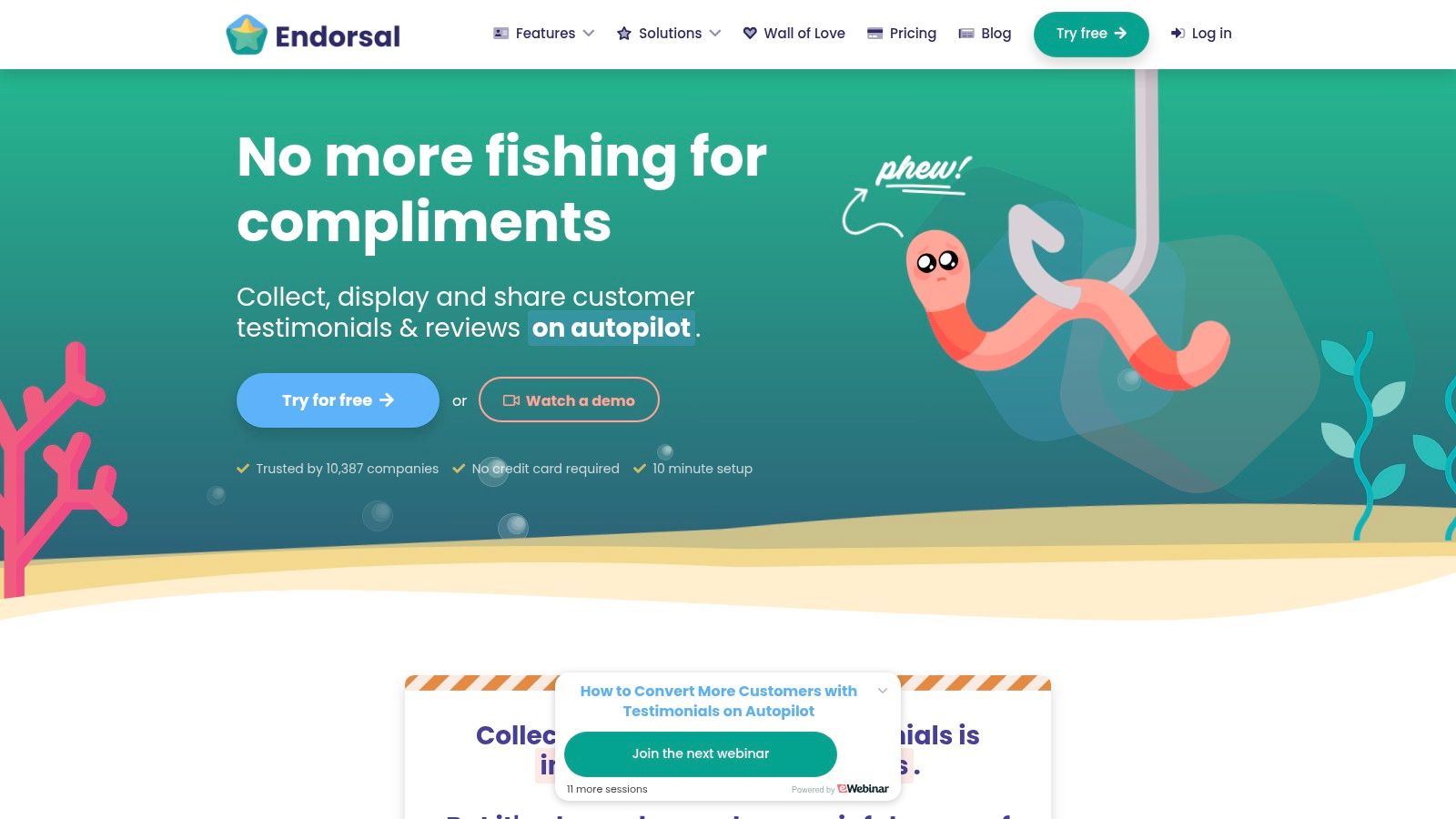
Endorsal fits businesses that want to request, collect, display, and share feedback in one workflow. EndoForms handle capture, while AutoRequests can send review requests by email or SMS. That setup suits small and mid-sized B2B or B2C businesses that need a working follow-up process before publishing testimonials.
Its presentation options include standard widgets, a floating ReviewHQ widget, FOMO popups, and an expandable Wall of Love page. Endorsal can also import feedback from Google, Facebook, Yelp, TripAdvisor, Capterra, and G2. An API supports teams that need to connect collection and display with other systems.
Match the workflow to the proof placement
Endorsal works best when a business can identify a clear success moment in the customer journey. A service company might request feedback after project completion, approve the strongest submissions, and place selected proof beside its contact form. An ecommerce business could keep product pages focused on purchase details while using a floating widget for persistent trust signals.
The platform therefore serves a different testimonial job from a dedicated editorial proof hub. Its strength is repeatable collection and distribution. Its design ceiling is lower for teams that want highly art-directed storytelling or extensive page-specific curation.
Automation still needs rules. Uncoordinated email and SMS requests can create customer fatigue, so teams should set frequency controls, define segments, and monitor volume limits. Higher-tier pricing also rises with usage, making review request volume part of the plan decision.
Implementation takeaway: Define the customer outcome that should trigger a request, then send one reminder if needed. Route approved responses to the placement where they answer a buying question, such as beside a contact form or inside a floating trust widget. Keep the collection workflow separate from the page design decision, since Endorsal handles the former more strongly than bespoke presentation.
Practical strengths
- Automated requests: Email and SMS outreach support consistent collection.
- Unified workflow: Capture, display, and social sharing sit in one platform.
- Fast deployment: One-line embed options reduce technical dependency.
- Source imports: Feedback can come from several established review networks.
Trade-offs
- Volume-based cost: Higher usage can require a more expensive plan.
- Automation management: SMS and email limits need careful monitoring.
- Design ceiling: Bespoke layouts may require additional work.
5. REVIEWS.io
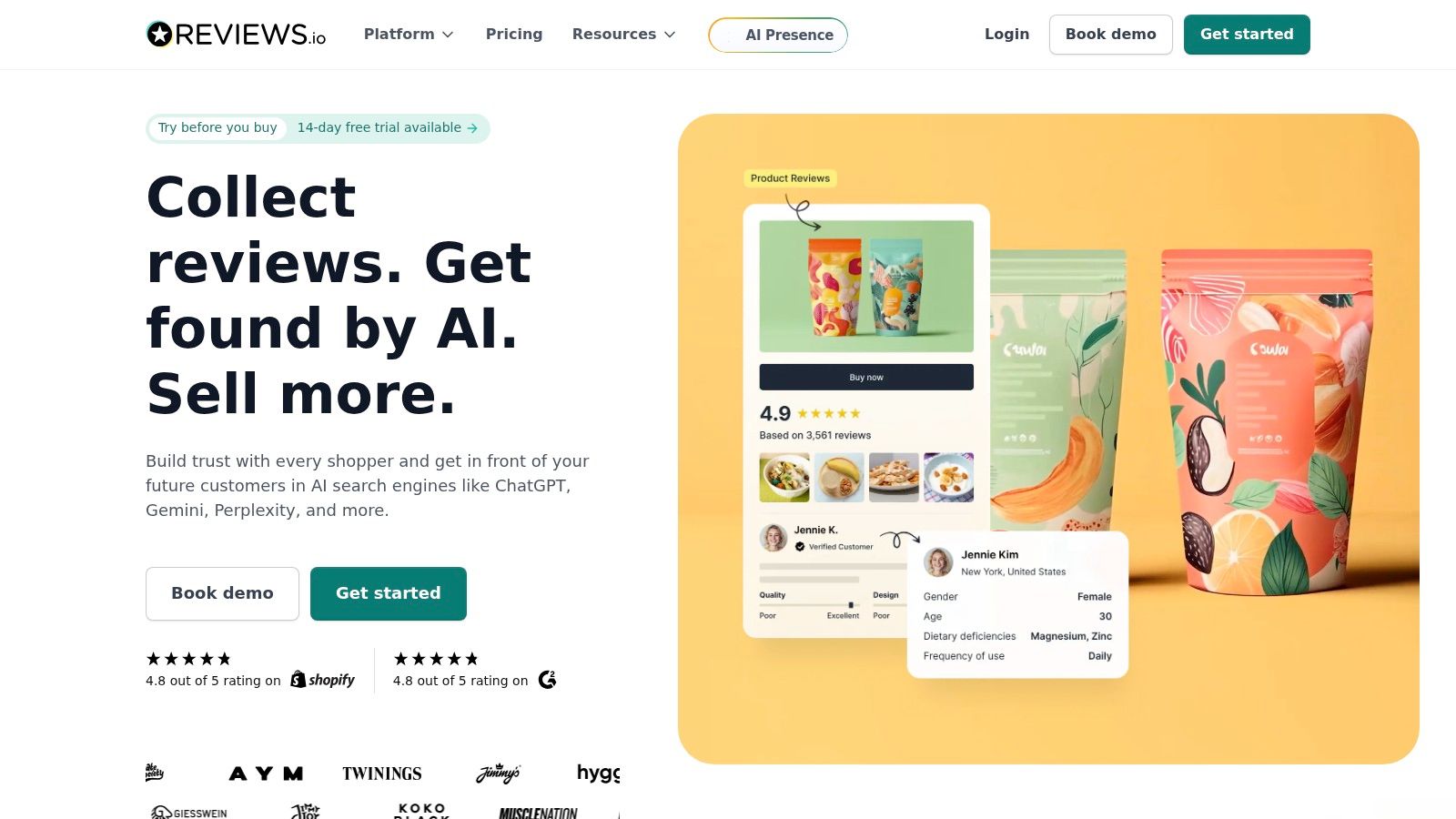
REVIEWS.io fits stores that need ecommerce and product-level review coverage, rather than a single company rating. It supports company reviews, product reviews, Q&A, and user-generated content, including photo and video reviews. A general endorsement can build trust, but a product page often needs proof about fit, performance, setup, or appearance.
That makes the platform a strong model for matching feedback to a specific buying decision. Product reviews belong near the product information and purchase controls. Company reviews can sit lower on the page, where shoppers assess delivery, support, and fulfillment.
Put the proof beside the product question
A useful review might explain durability, delivery, setup, or the feature that influenced the purchase. Product Q&A addresses uncertainty before checkout, while customer photos and videos show the item in real use. The presentation tactic is as important as the collection capability: place each format where it answers the shopper's next question.
REVIEWS.io connects with Shopify, BigCommerce, WooCommerce, Klaviyo, and import tools. Its widgets and analytics support ongoing review management, while self-serve plans document differences between tiers. These integrations can connect feedback collection with product merchandising and lifecycle marketing.
The trade-off is control. Deeper visual customization may require working within widget templates, and some features or invite limits sit on mid-tier or higher plans. Test product widgets across mobile layouts and site themes before rolling them out across the store.
Teams comparing source management and widget options can also review Bragly's REVIEWS.io integration as part of a broader aggregation strategy.
Implementation takeaway: Collect product-specific feedback after purchase, tag it by product and topic, then place the strongest evidence beside the relevant purchase decision. Use company-level reviews lower on the page to reinforce confidence in service and fulfillment.
What it does well
- Product coverage: Combines company reviews, product reviews, Q&A, and UGC.
- Commerce connections: Links major store platforms with Klaviyo.
- Rich media proof: Photo and video reviews add context a text rating cannot provide.
- Documented plans: Tier differences and invite limits are easier to assess before setup.
Where teams need care
- Tier restrictions: Some features and invite volumes require higher plans.
- Template boundaries: Unusual visual treatments may need extra development.
- Theme testing: Product widgets should be checked on mobile before launch.
6. Trustmary
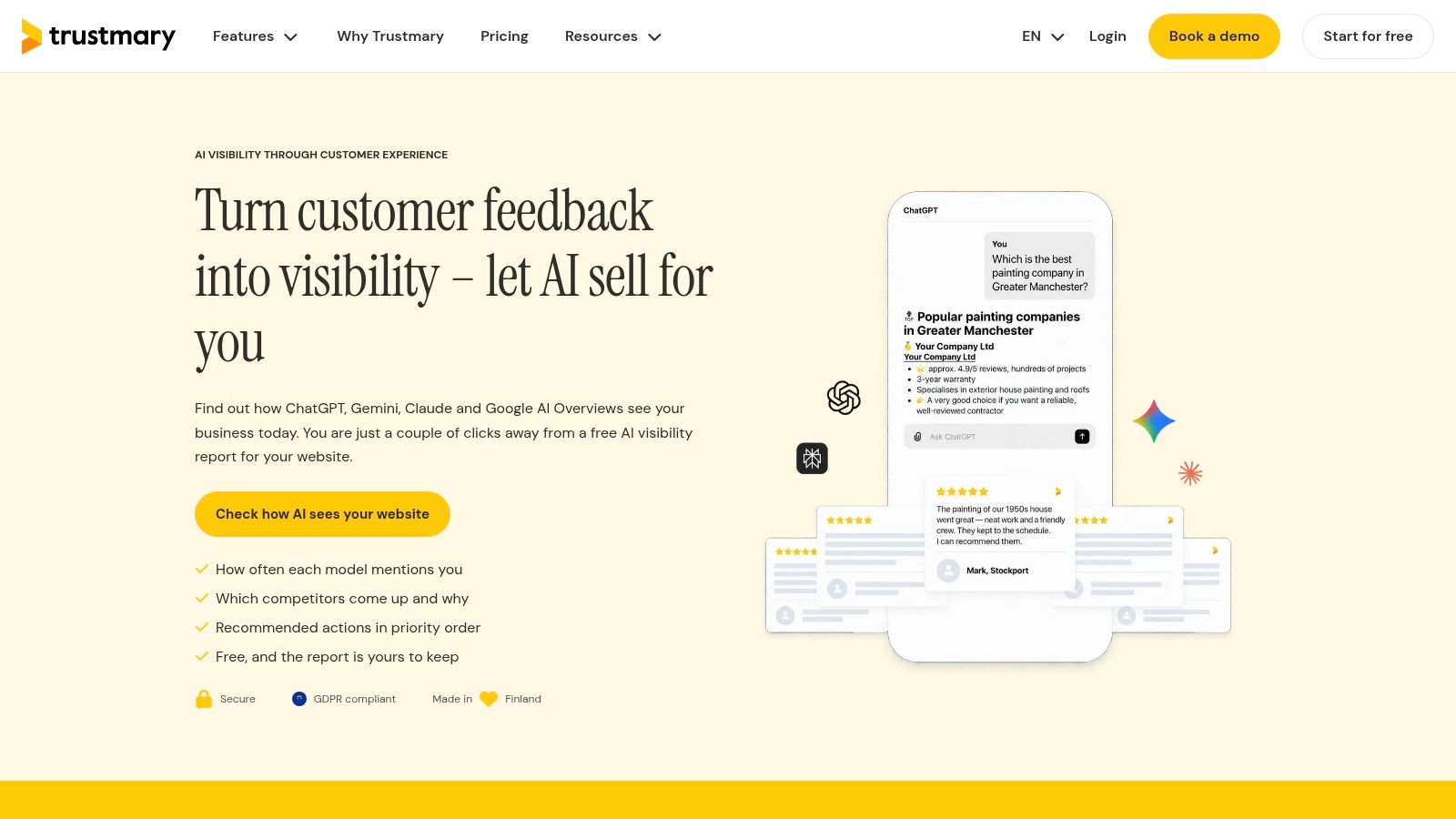
Trustmary fits teams that need customer feedback to work across the website and search results. It imports reviews from Google, Trustpilot, app stores, and TripAdvisor, while also collecting responses through surveys. Embeddable widgets place selected testimonials on pages where buyers need reassurance.
Its distinct role is feedback distribution. Structured profile pages and review content can make customer language easier for search systems and AI tools to find, while widgets return relevant proof to conversion pages. SaaS companies, local businesses, and service providers can use the same feedback in different contexts without relying only on a homepage quote.
The platform works best when teams organize reviews by topic before publishing them. Survey responses can reveal views on onboarding, support, delivery, or a particular feature that public reviews may not cover. A pricing page can then show value-related comments, while a service page highlights responsiveness or delivery. Imported reviews retain independent source context, which adds credibility beside first-party survey responses.
Trustmary documents concepts such as views, sources, and response limits, and provides a free entry option. Pricing is presented mainly through annual EUR packages, so buyers in other markets should account for currency and billing structure. Advanced integrations and whitelabeling may sit on higher tiers, making plan comparison part of the setup decision.
Implementation takeaway: Create topic groups around customer problems, then assign each group to a page placement. Use imported reviews for independent validation, surveys for specific gaps, and widgets for targeted proof near the relevant decision. Keep structured profile and review pages focused enough for visitors and search systems to understand what the feedback covers.
Best fit
- Feedback distribution: Publishes reviews across onsite pages and broader search-focused content.
- Collection flexibility: Combines imported reviews with survey responses.
- Page-specific proof: Matches customer themes to pricing, service, or feature pages.
- Planning requirements: Teams need a clear topic and audience structure before publishing.
- Plan considerations: Annual EUR billing, response limits, advanced integrations, and whitelabeling require careful review.
7. EmbedSocial
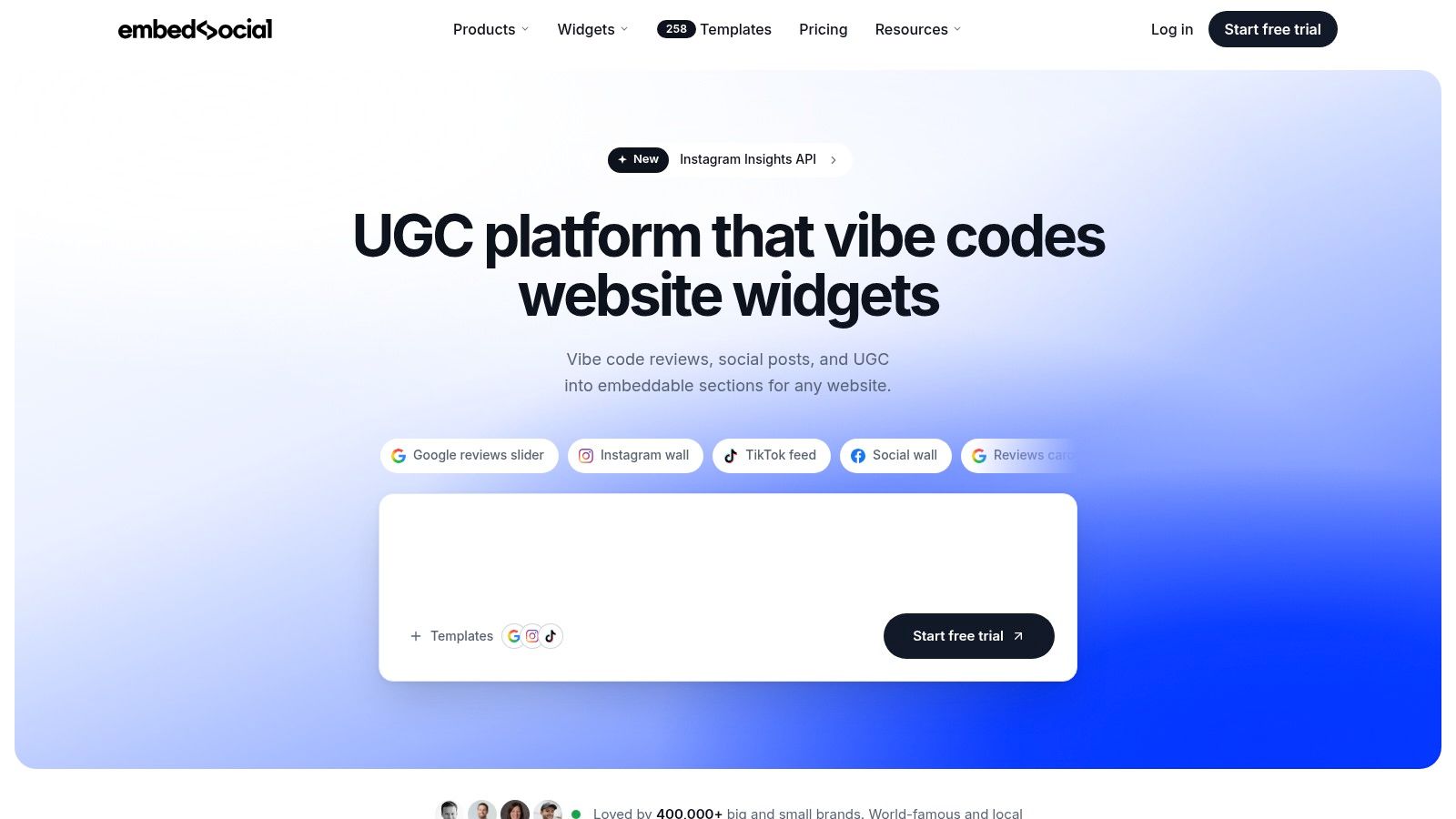
EmbedSocial suits teams that need reviews, social content, UGC, and testimonials under one widget system. Its role is broader than collecting testimonials or building a single proof page. It brings feedback from major networks into display formats such as walls, sliders, popovers, tickers, badges, and other widgets. That makes it useful for coordinating Google reviews, Facebook content, Trustpilot feedback, and testimonial-style blocks without separate tools for each source.
The main trade-off is control versus simplicity. A team managing several channels can place a review wall on the homepage, a badge beside a contact form, and a ticker on a service page. A consumer brand can combine product feedback and social content in a UGC section. Each format supports a different proof job, so the page placement should determine the widget rather than the other way around.
Source coverage is also a practical advantage. Official API integrations and automatic widget updates reduce manual embed changes when a connected profile receives new feedback. JavaScript embeds work with common site builders, allowing marketers to test placements without waiting for development support. Paid plans offer unlimited widgets, subject to regional pricing limits.
Check the operational requirements before committing. Regional pricing and currencies vary. Trustpilot display requires the business's own API key and an appropriate plan level. Teams should also decide whether they need the wider UGC suite or only a small set of text and video testimonials, since the broader product may add unnecessary complexity to a focused proof page.
Choose EmbedSocial when:
- Many presentation formats: Use walls for deeper research, sliders near calls to action, and badges where visitors need quick reassurance.
- Source breadth: Combine reviews and social content when customers evaluate the business across several channels.
- No-code setup: Add JavaScript embeds across supported site builders and test page placements without developer involvement.
- Automatic updates: Let connected widgets refresh as source content changes.
- Source requirements: Prepare a Trustpilot API key and confirm the suitable plan level before building that integration.
Implementation takeaway: Assign each widget one job. Put a badge near a form, a compact slider beside a conversion point, and a review wall on a page where visitors compare evidence. Keep the UGC suite only if the team will actively use those additional content sources.
Top 7 Website Testimonial Platforms
| Product | Implementation complexity | Resource requirements | Expected outcomes | Ideal use cases | Key advantages |
|---|---|---|---|---|---|
| Bragly | True no-code embed (one div + script); <10 min setup | Minimal dev time; free tier; plan-based AI/collection limits | Auto-synced aggregated reviews from 50+ platforms; AI insights & analytics | Agencies, e‑commerce, SaaS, multi‑brand teams needing wide source coverage | Extensive source coverage, large widget library, built-in AI, auto-sync |
| Testimonial.to | Very simple embeds (1–3 lines); no-code | Minimal dev time; per‑Space pricing; video limits on lower tiers | Collected video & text testimonials; embeddable Walls of Love & carousels | SaaS and small teams prioritizing video proof | Strong video focus, easy collection links, per‑project organization |
| Senja | Low-code/no-code with many widget options | Built-in ad‑free video hosting; some actions require Zapier or evolving API | Multi‑format assets (widgets, popups, reels), video hosting, remixing tools | Creators, agencies, teams repurposing testimonials for social | Multi‑format output, AI “Magic Video Maker,” ad‑free video hosting |
| Endorsal | Quick one‑line embed; built‑in capture workflows | Email/SMS automation (limits to manage); higher tiers for volume | Automated request workflows, floating ReviewHQ, Wall of Love pages | Small–mid B2B/B2C sites needing automated collection & display | Integrated collection + display + social distribution; fast launch |
| REVIEWS.io | Self‑serve integrations; e‑commerce plugin setup (moderate) | Integrations (Shopify, WooCommerce); invite limits by plan | Google‑licensed review collection, widgets, syndication, analytics | Ecommerce and SaaS seeking transparent, integrated review platform | Google license, strong ecommerce ecosystem, transparent pricing |
| Trustmary | Embeds + survey setup; moderate configuration for indexing | Survey configuration; annual EUR pricing by tier; advanced features on higher plans | Onsite widgets, survey capture, and AI/search‑optimized distribution | Teams focused on distribution, search visibility, and AI indexing | Emphasis on AI/search visibility and clear limits/documentation |
| EmbedSocial | No‑code JS embeds; wide widget selection (easy) | Regional pricing/currencies; some sources require API keys | Aggregated UGC/reviews with large widget library and auto‑sync | Brands wanting unified social + review widgets across sites | Wide widget variety, official integrations, unlimited widgets on paid plans |
Turn These Testimonial Patterns Into Page Actions
A website with testimonials works when each review has a job. Start with the claim your page makes, then choose proof that directly supports it. A product page needs feedback about the product. A pricing page benefits from concise comments about value, implementation, or return on effort. A service page should show what the experience felt like, not only the final outcome.
Use specific customer outcomes beside relevant claims. If a customer describes faster setup, place that quote near the onboarding promise. If another explains how a feature solved a workflow problem, use it beside that feature rather than burying it in a general Wall of Love. Keep short proof close to pricing and calls to action, where visitors are deciding whether to continue.
Reserve video for moments where voice, personality, or personal detail adds information that text can't provide. Video is especially useful for premium services, founder-led products, consulting, and unfamiliar solutions. Written testimonials remain valuable for fast scanning, accessibility, comparison, and mobile layouts.
Freshness also affects credibility. One recent survey found that 86% of users only consider reviews from the past three months, while 78% need at least 100 reviews to trust a business (review recency and volume data). Those expectations don't mean every company needs to display a huge review count. They do mean teams should connect sources, define a collection workflow, and avoid leaving an obviously outdated proof section untouched.
Choose a platform based on your operating need:
- Source consolidation: Choose a system that imports and synchronizes multiple review platforms.
- Video collection: Use a video-first workflow when customers need to speak directly to prospects.
- Multi-format repurposing: Select a platform that turns one testimonial into website, social, and case-study assets.
- Automated requests: Use email or SMS workflows when collection depends on consistent follow-up.
- Ecommerce integration: Prioritize product reviews, Q&A, photo, and video content beside purchase decisions.
- Search distribution: Choose structured publishing when review content also supports discovery.
- Broad UGC coverage: Use a wider widget suite when social content and reviews need to coexist.
Before publishing, audit every testimonial for specificity, audience fit, visible attribution, page relevance, and updateability. A named reviewer, company, role, source platform, date, or image can strengthen verification when the customer has consented. At the same time, sensitive industries may need anonymity. Identifiable proof isn't automatically better if disclosure would compromise customer privacy.
Compliance belongs in the workflow too. The FTC Consumer Review and Testimonials Rule became fully effective on October 21, 2024, and prohibits fake or misleading testimonials, undisclosed insider reviews, and misleading claims about independent review websites controlled by a business (FTC review and testimonial guidance). Teams should label relationships clearly when feedback comes from employees, founders, agency partners, or incentivized customers. Authenticity depends on provenance, not just visual polish.
Bragly supports this page-action approach by aggregating reviews from more than 50 sources, collecting first-party text and video feedback, tagging and filtering testimonials, and deploying no-code widgets across a site. Start with a small taxonomy, connect the sources that matter most, and publish one relevant widget on each high-intent page before expanding.
Bragly helps teams collect, manage, aggregate, and display customer reviews and testimonials through no-code widgets, connected sources, tagging, analytics, and page-specific layouts. Visit Bragly to turn scattered feedback into fresh, relevant proof across your website.