
Looking for a Shorter Overview?
AI Summary
Key Moments
Match Tool to Workflow
Choose social scheduling tools based on your team size, workflow needs, and approval processes rather than just feature checklists.Pricing Models Matter
Understand how per channel, per user, or per workspace pricing structures can impact your total costs as you add profiles or teammates.Test Real Use Cases
Run trials scheduling your actual content mix and map your approval workflows to ensure the tool supports your daily operations.Use Scheduling with Engagement
Schedule evergreen posts but actively engage live to avoid performance drops caused by missing native interactions.A three person team signs up for an enterprise scheduler, pays per seat for months, and ends up using it the same way they used a spreadsheet. They batch a few posts on Monday, ignore the listening dashboards, and never open the approval routing they paid extra for. The tool isn't bad. It's just wrong for them.
That's the trap with social media scheduling tools. Almost all of them publish reliably now, so the feature list won't tell you which one fits. What matters is team size, workflow, and how pricing scales when you add a channel, a client, or a second approver. Scheduling also sits inside a much larger category, since one analysis valued the global social media management software market at $19.84 billion in 2025 and projected it to reach $42.76 billion by 2031, according to the Mordor Intelligence social media management software market report.
The 10 tools below, plus one local marketing platform with scheduling built in, fall into clear groups. You'll find lightweight queues for solo owners, analytics led planners for small businesses, approval first platforms for agencies, visual planners for creators, and full management suites for larger teams. I assess each by a specific scenario, then cover key features, supported platforms, pricing structure, and honest limitations.


Table of Contents
- 1. Synup
- 2. Buffer
- 3. Metricool
- 4. Publer
- 5. Zoho Social
- 6. Planable
- 7. Later
- 8. Planoly
- 9. Loomly
- 10. Agorapulse
- 11. Sprout Social
- Social Media Scheduling Tools at a Glance
- How to Pick Yours and What to Do With the Traffic It Brings
1. Synup
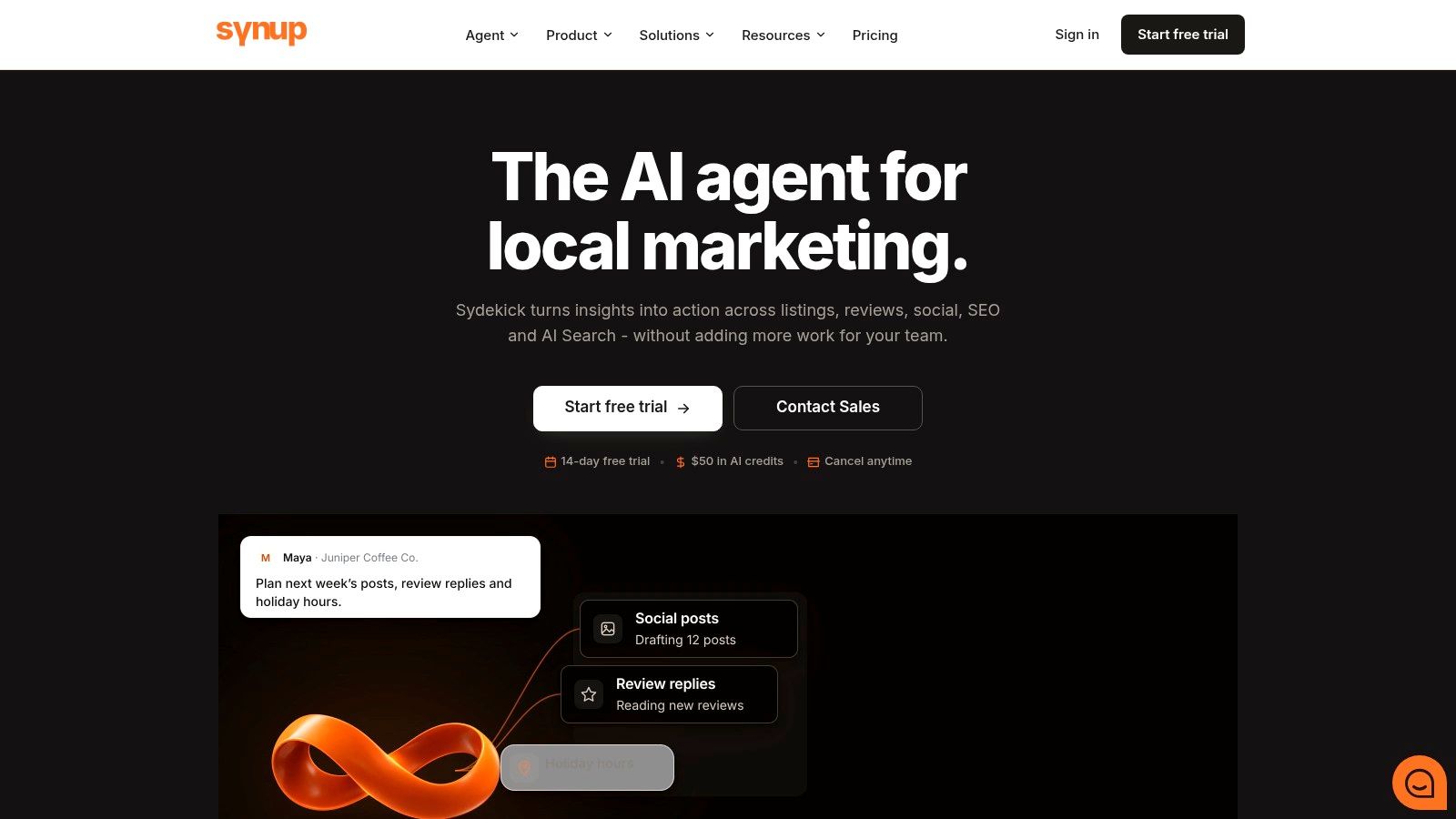
Say you run an agency with 40 local clients, or a franchise with dozens of locations, and social posts are only one part of the mess. Listings drift out of date, reviews sit unanswered, and every location writes in a different voice. Synup is built for that scenario, not for a solo creator who just needs a queue.
It's a local marketing, listings, and reputation platform with social publishing inside it. You can schedule and publish location level posts with per store voice and tone, while the same system syncs profiles across Google Business Profile, Apple Business Connect, Bing, Facebook, and 100+ publishers. That consolidation is the point. You're not buying a scheduler and bolting on three other tools later.
Where the AI Agent Helps and Where It Doesn't
The centerpiece is Sydekick, an AI agent with chat, memory, skills, playbooks, and inference. It can research, draft content, draft review replies, and propose listing corrections, but it works under explicit approval workflows and a full audit trail that records every proposed and completed action. For multi client work, that audit trail matters more than the automation itself, because you can show who approved copy, creative, and timing.
Other pieces round out local work in ways a pure scheduler won't touch.
- Reputation management: Monitor reviews from every source, draft responses, request approval, and publish replies, plus run review generation campaigns with short links.
- Local visibility: Track rank in local packs and check presence in ChatGPT, Gemini, and Perplexity through its Answer Engine Optimization diagnostics.
- Partner tools: Use a multi client command center, branded client portal, white labeling with custom domains, and scoped team permissions.
- Technical access: Connect through REST APIs and first party MCP support, with BYOK and BYOM options for teams with an existing model stack.
Pricing includes all features on every plan, with tiers varying by location count and agent throughput, which avoids the add on creep you'll see elsewhere. The trade off is scope. If you have one brand, three channels, and no listings problem, Synup is more platform than you need. If inconsistent locations and slow review replies cost you customers every week, Synup's social media management tools solve the wider problem that scheduling alone can't.
2. Buffer
You're a solo owner posting to Instagram, LinkedIn, and Facebook between everything else. Listening dashboards and multi tier approvals would sit unused. What you need is a queue you fill on Sunday and trust through Friday. Buffer is the cleanest version of that job among social media scheduling tools.
You get a calendar, queue, and drafts, plus an AI Assistant for drafting and refining posts, basic analytics, and a community inbox. Setup is straightforward, and per channel caption edits stop you from publishing identical copy everywhere. That last detail matters, because duplicated captions are an easy way to make scheduled content feel lazy.
Pricing That Looks Cheap Until You Count Channels
Buffer's free plan covers a handful of channels with a posting cap on each, which is enough for a modest weekly queue. Paid tiers are priced per channel rather than as one flat bundle, so every extra profile you connect raises the monthly bill. The higher tier is where collaboration lives: multiple users and approval workflows sit behind it, which means a solo owner pays little and a small team pays noticeably more.
- Pros: Free plan is usable, the interface doesn't fight you, and you only pay for channels you choose.
- Cons: The free plan's posting cap constrains frequent publishers, per channel charges stack up fast across many profiles, and real collaboration requires the higher tier.
If the traffic Buffer sends you lands on a bare product page, you're wasting the consistency you just built. Pair a simple queue with on site proof using social proof software that displays reviews where visitors decide, and a small tool does a complete job.
3. Metricool
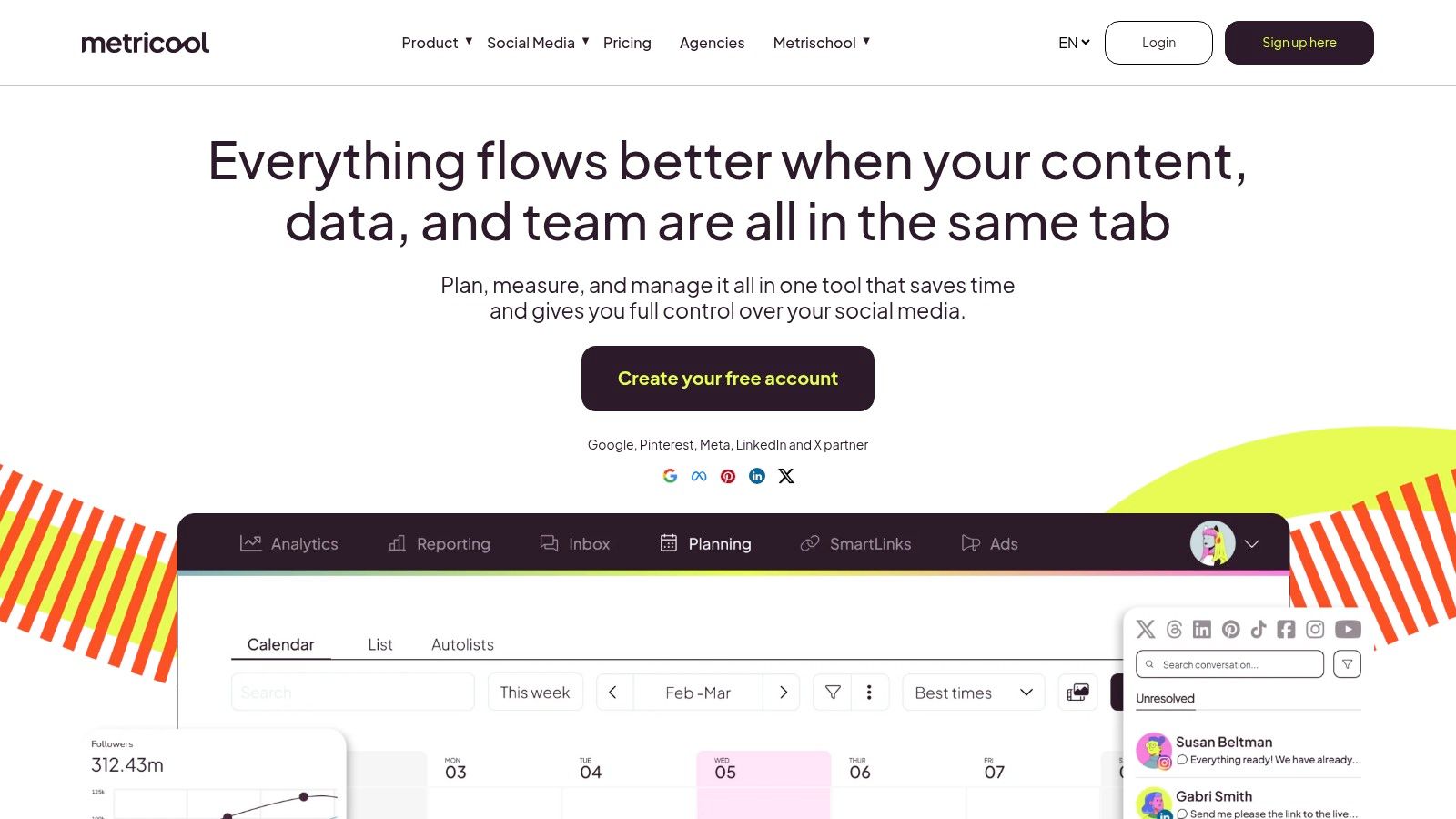
Metricool suits the small business owner who asks a harder question than "did it post." You want to know which post worked, how a competitor is pacing, and whether last month beat the month before. It combines a planner with analytics, competitor tracking, and reporting in one place.
That combination saves the daily tab switching between native analytics pages. Paid plans add PDF and PowerPoint reports, which agency and freelance users can send straight to clients, and eligible plans connect tools such as Canva and Google Drive. For context on demand, the global social media scheduling tools market was valued at USD 2.47 billion in 2024, according to the Dataintelo scheduling tools market report.
Practical rule: If you never open analytics, don't pay for an analytics led scheduler. Buy the cheaper queue and spend the saved hour replying to comments.
The ongoing free plan covers one brand and 20 posts per month and doesn't require a credit card. The Starter plan is listed from $20 per month billed annually in the U.S., while X access costs extra.
- Pros: Scheduling, measurement, and reporting together, with brand based plans that can suit client work.
- Cons: The free plan stops at one brand, LinkedIn requires a paid plan, X needs a paid add on, and integrations vary by tier.
I recommend Metricool when reporting is part of how you keep a client or justify your own time. If you only need publishing, you're paying for dashboards you'll check twice.
4. Publer
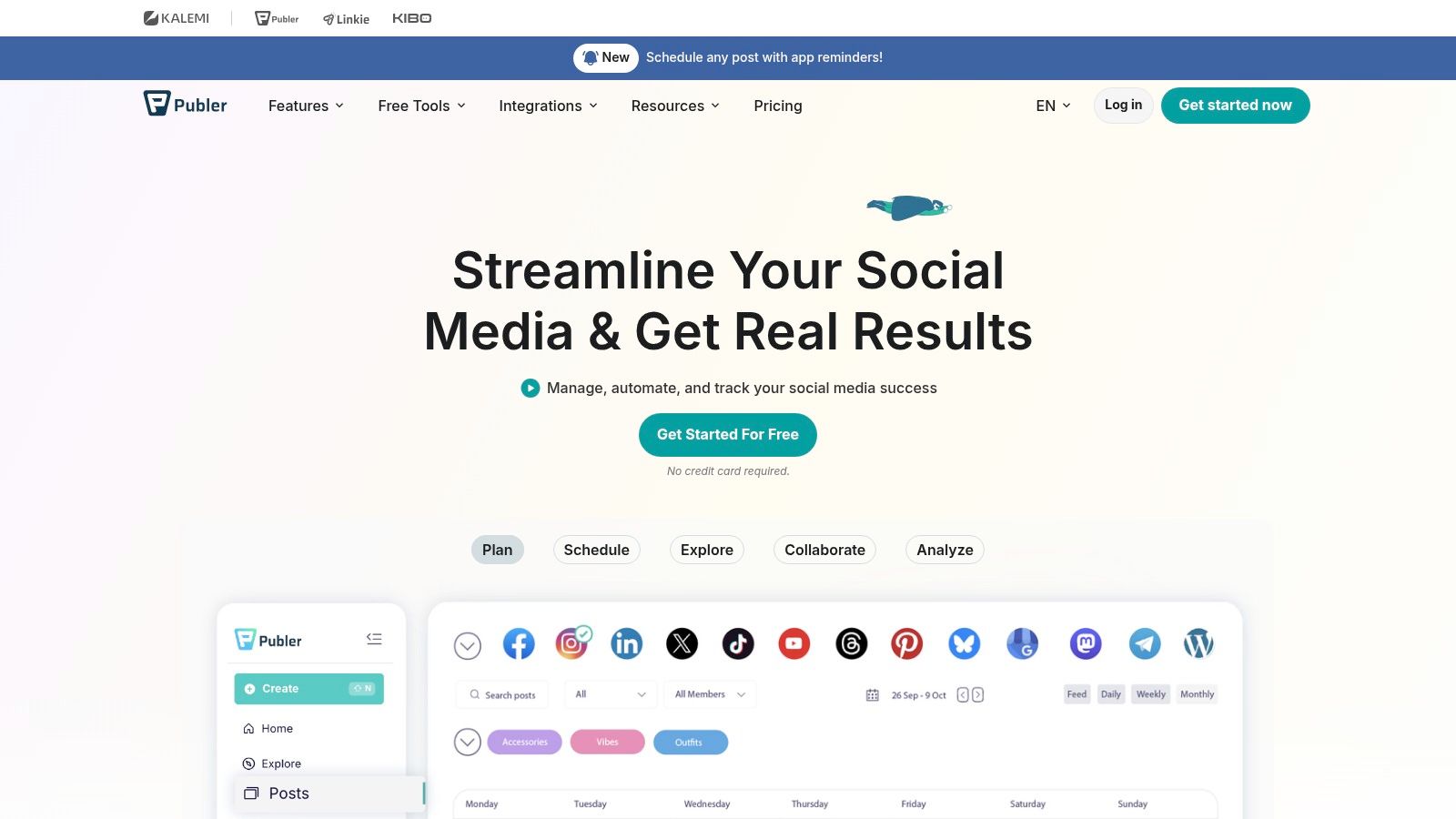
A lean business publishing everywhere at once runs into a wall with most schedulers: they cover the big networks and stop. Publer's supported services go further, reaching Google Business Profile, WordPress, and Telegram. That breadth is its main argument.
Inside, you get scheduling, drafts, and post queues, plus workspaces and bulk publishing for separating brands or clients. The Business tier adds AI prompts, analytics, and reports, and there's a link in bio feature through its Linkie integration. Bulk work matters here more than on most tools, since one industry compilation reports that 67% of scheduling tool users use bulk upload or batch scheduling functions, according to the ScheduleWave scheduling statistics compilation.
Pricing is where Publer wins attention. A free plan supports up to three social accounts, with limitations. Paid plans are priced per social account, so the monthly cost rises with each profile you connect.
Watch the Per Account Math
Count your profiles before you judge the price. A solo owner running two or three accounts pays very little. An agency connecting every client's channels watches the bill climb with each one, and team members on the account can push it further. The entry price looks tiny; the total is a multiplication problem.
- Pros: Inexpensive entry for a small number of profiles and a broad network list.
- Cons: Account and member charges rise as you grow, some analytics and optimization features sit on Business, and publishing methods vary by account type and post format.
That last point deserves a test before you commit. Schedule one of every format you use, a Reel, a carousel, a link post, during the free period. Publer is strong value when your formats publish cleanly, and frustrating when one key format needs a workaround.
5. Zoho Social
Zoho Social is the right pick in exactly one building: a business already running on Zoho. Picture a B2B services team whose contacts, deals, and campaigns live in Zoho CRM. Connecting social activity to those records is worth more to that team than a prettier calendar somewhere else.
The core is solid either way. You get a central dashboard, publishing calendar, and post scheduling, plus monitoring and post insights. Higher plans add bulk scheduling, repeat posting, RSS feeds, and a media library, which suits a small team republishing evergreen content, since repeat posts and feeds keep the calendar full without manual re-queuing each week.
Pricing stays approachable. A free plan includes one brand and a selection of channels. Paid Standard is listed at $10 per month billed annually and Professional at $30 per month billed annually. The catch sits in the tiers, since repeat posting, RSS feeds, and bulk scheduling all require a higher plan, so confirm which tier covers your workflow before paying annually.
- Pros: Competitive entry price for a solo user and real value inside the wider Zoho ecosystem.
- Cons: Free and lower tiers limit users and brand count, advanced scheduling requires a higher plan, and brand and channel pricing is less intuitive than per channel pricing.
Outside the Zoho ecosystem, Zoho Social is a competent, fairly priced scheduler with no single feature that beats a specialist. Inside it, the CRM link turns social activity into pipeline context. Choose it for the integration, not the calendar.
6. Planable
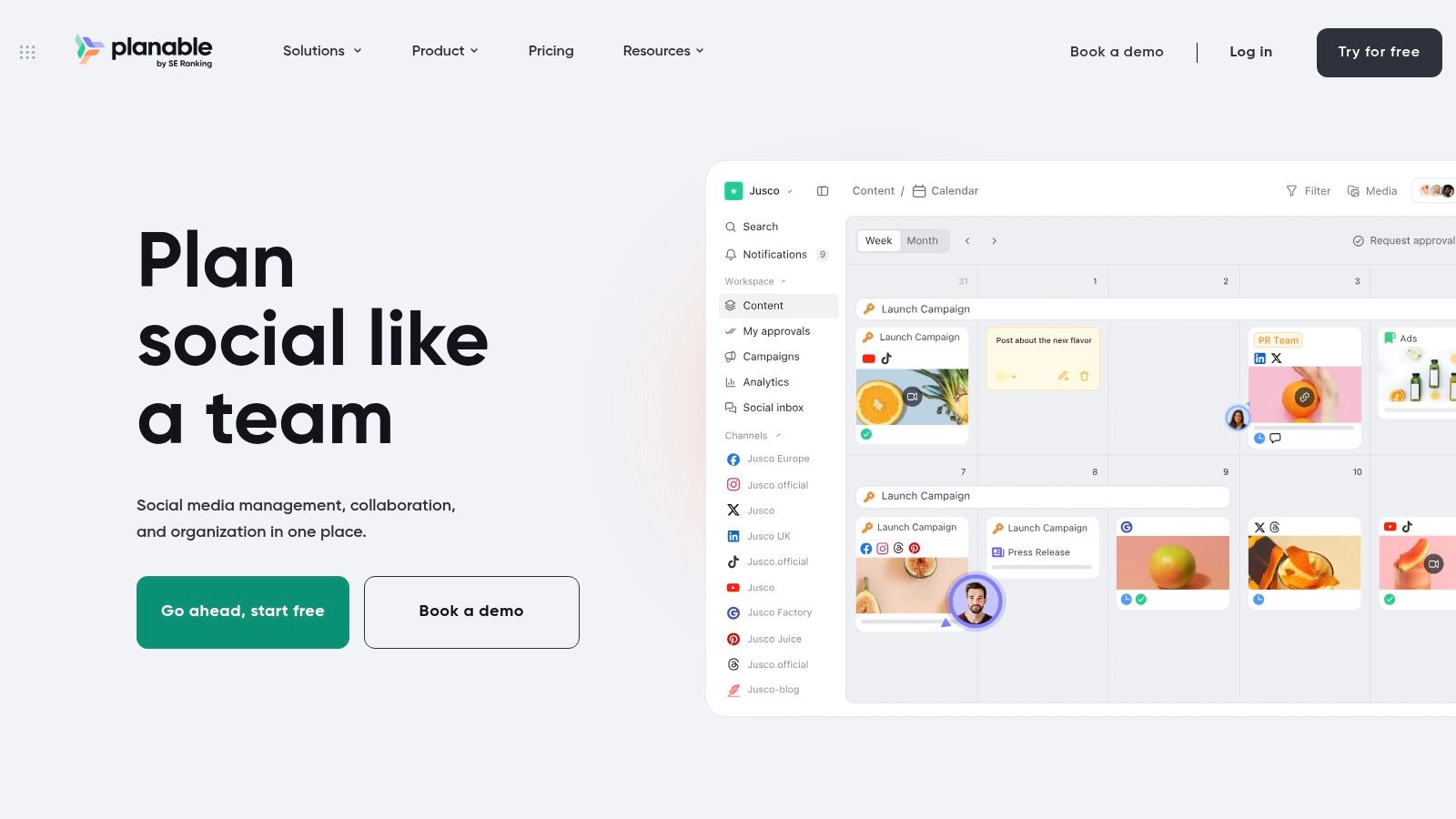
An agency draft sits in a client's inbox for four days while feedback arrives across email, Slack, and a voice note. That coordination failure, not publishing, is what Planable is built to fix. It's a collaborative planning platform where teams prepare, review, and approve posts before anything goes live.
You work in shared calendar and feed views, draft together, and run content review and approval steps inside workspaces organized by client, brand, or location. Clients see posts as they'll appear, which cuts the "can you screenshot it" loop. The underlying strain is real, since a 2025 survey of 1,000 marketers found that nearly 40% manage social media alone, according to a CustomerThink article on social media operations.
The first 50 posts can be created free with no credit card. Paid plans start at $33 per workspace per month for Basic and $49 for Pro, and the listed Basic and Pro plans include unlimited users.
- Pros: Approvals keep posts organized and on brand, and unlimited users mean clients don't cost you seats.
- Cons: The free allowance is a one time post limit, analytics and the social inbox are paid add ons, and per workspace fees add up across many clients.
If nobody approves your posts but you, skip Planable. If sign off is where your week leaks, it's the right spend.
7. Later
Later is for the brand where the feed itself is the storefront. If you sell through images and short video on Instagram, TikTok, and Pinterest, a text first queue forces you to imagine the result. Later's visual planner shows it.
You can arrange a consistent grid, schedule across multiple profiles, and send traffic through a Link in Bio page with linked posts. Eligible plans add best time to post tools, while Growth and above add collaboration, approvals, a social inbox, and UGC collection. Video is driving much of this category, since the global short form video scheduling tools market was valued at USD 1.24 billion in 2024 and was projected to reach USD 5.1 billion by 2033, according to Growth Market Reports.
Pricing runs $18.75 per month billed annually for Starter, $37.50 for Growth, and $82.50 for Scale. Plans bundle profiles into social sets and cap posting allowances.
- Pros: Visual planning keeps a feed coherent and higher tiers add expanded analytics.
- Cons: Starter limits posting volume and users, social set bundles may include profiles you don't need, and collaboration requires higher tiers.
If you're researching audience growth tactics alongside scheduling, read up on what actually moves TikTok followers before you automate posting. A planner amplifies a content strategy. It doesn't replace one.
8. Planoly
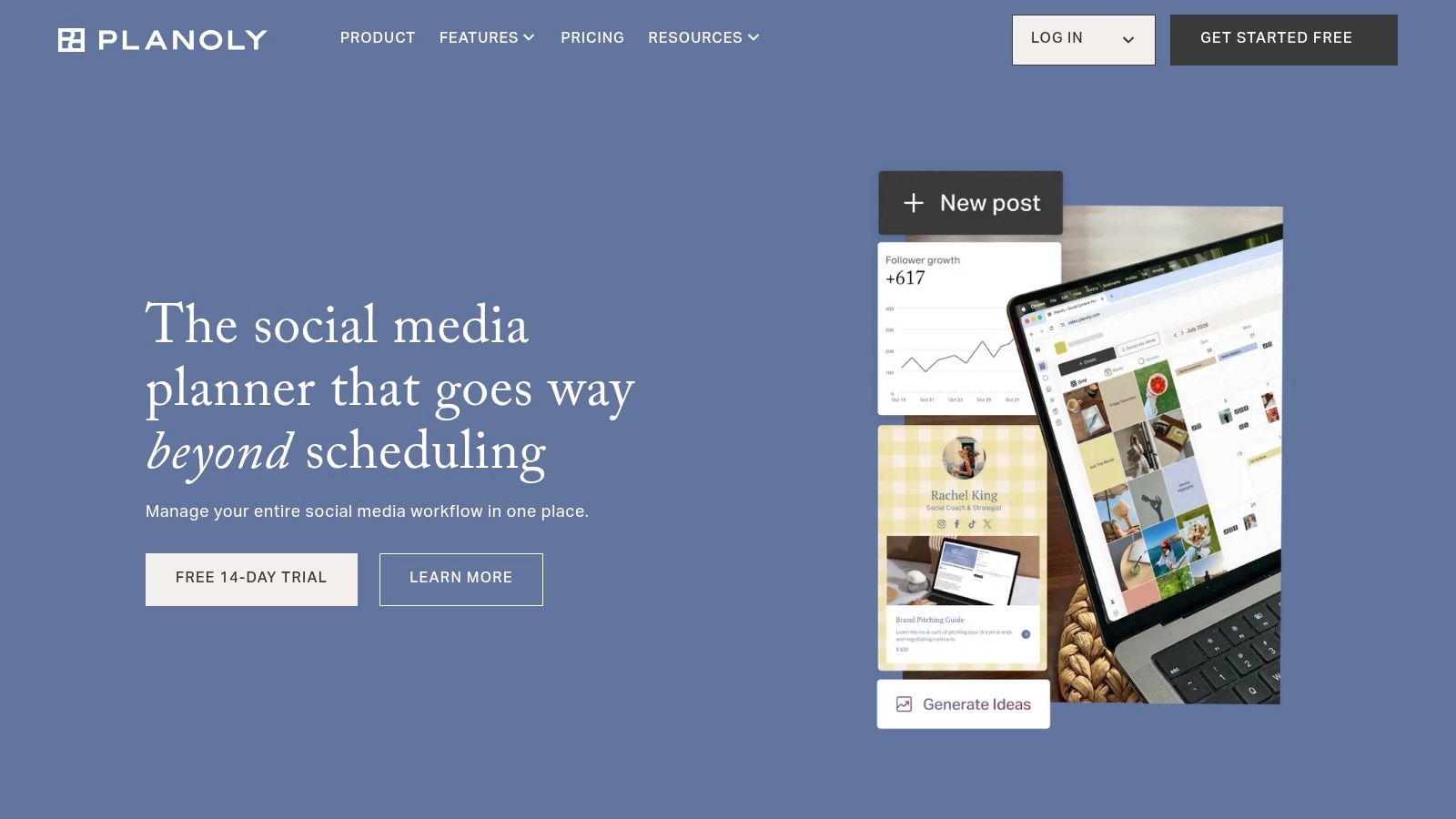
Planoly targets a narrower person than Later does. You're a creator or small brand, your Instagram grid is a portfolio, and you also sell through your profile. It pairs visual grid planning and a media library with a link in bio page and Creator Store features, so scheduling and selling sit together.
Coverage is wide, spanning Instagram, TikTok, Facebook, Pinterest, LinkedIn, YouTube, Threads, and X. You also get AI content ideas and caption assistance for the days when the blank caption box wins. One catch hides in that list, though.
X on Planoly is reminder only, not direct auto publishing. Check every platform you rely on for that distinction before you pay, because "supported" doesn't always mean "publishes itself."
Pricing is listed at $14 per month billed annually for Starter, $24 for Growth, and $47 for Pro. There's a limited free mobile plan and 14 day trials on paid plans.
- Pros: The visual preview helps you plan a feed properly, and creator commerce tools reduce app switching.
- Cons: Starter allows one user and one social set, and the free mobile plan stops at 10 monthly uploads.
Choose Planoly over Later when you're a solo creator selling through your bio. Choose Later when a team and approvals enter the picture.
9. Loomly
Some small teams don't have a publishing problem. They have an ownership problem, where nobody's sure who drafted a post, who approved it, or whether legal saw it. Loomly's calendar centered workflow with approval steps and user roles is built for that team.
You plan, draft, schedule, and review in a structured sequence, with AI assisted post creation and analytics alongside. Eligible plans add bulk posting, recurring posts, and mobile apps. The clarity of the workflow is the product here, and it suits regulated or brand sensitive businesses more than fast moving creators.
The free plan supports up to three social accounts and one user. Paid Starter supports 12 accounts and three users, and listed paid plans include unlimited calendars.
The Jump Between Tiers Is the Real Price
- Pros: Generous account count on Starter and unlimited calendars on paid plans.
- Cons: Starter is a substantial cost increase from free, account limits may push you to the much larger Beyond tier, and annual billing is paid upfront for a year.
Run your real account count through the pricing page before a trial. Loomly works well when you fit comfortably inside Starter. If you'll outgrow 12 accounts within a year, compare its next tier against agency tools now, not at renewal.
10. Agorapulse
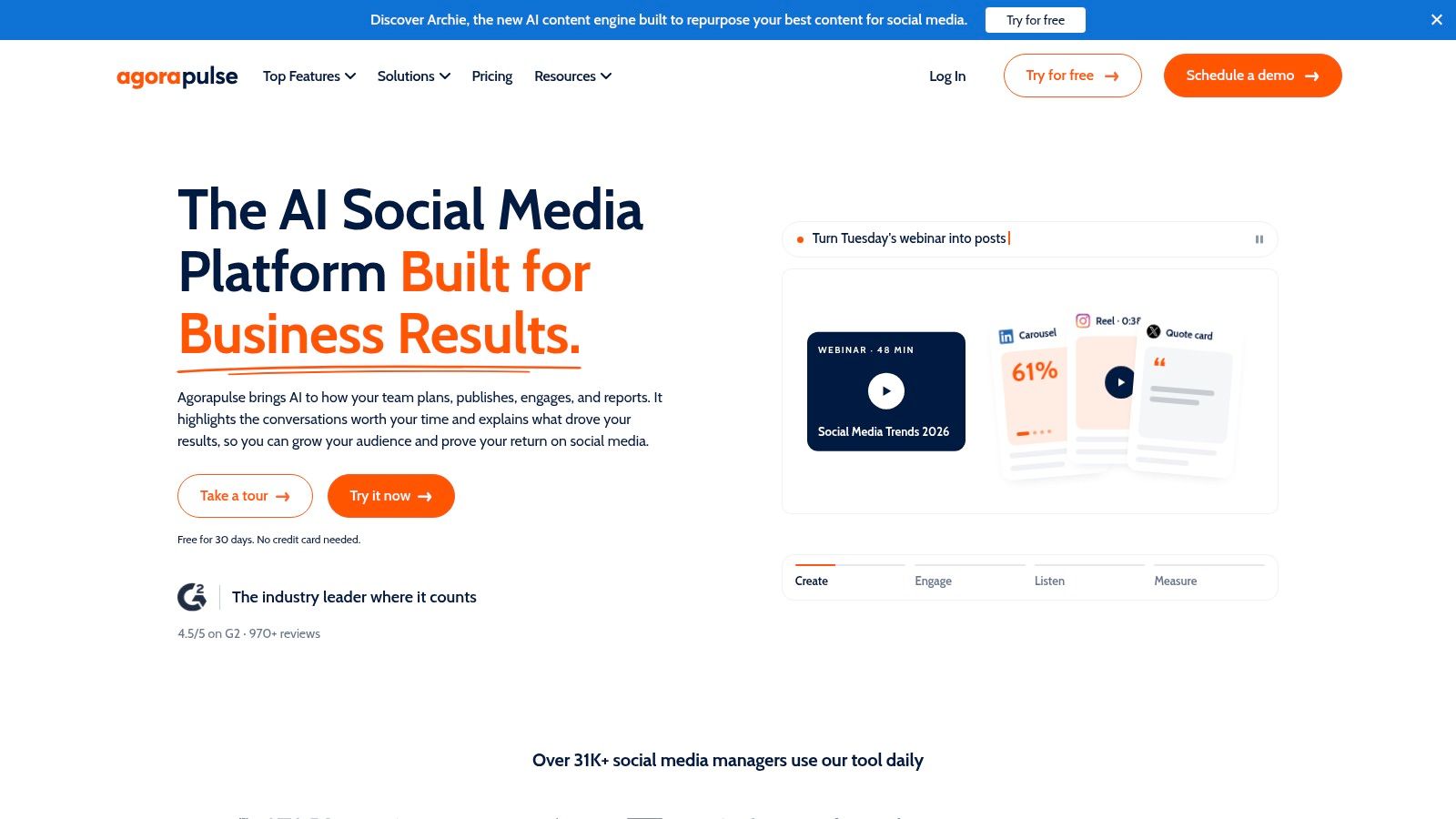
Pick Agorapulse when replies matter as much as reach. A support heavy brand can have questions under every post and in every DM; publishing is the easy half, and the main job is clearing every thread without losing context.
The product pairs unlimited post scheduling and a publishing calendar with a unified inbox for comments and messages, plus audience and content reports. Branded exports help when a client or stakeholder wants proof of work. Demand for this category is mainstream: more than 71% of organizations surveyed in the United States reported using social media scheduling tools in 2024, according to Meltwater's State of Social Media survey as reported by Net Influencer.
There is a free entry point and a trial for testing the workflow. Paid plans are priced per user, and the bill rises as teammates, extra profiles, and client seats are added, so confirm current rates on Agorapulse's pricing page before you commit.
- Pros: Inbox and publishing live in one queue, reporting is presentable, and the free tier makes evaluation low risk.
- Cons: Overkill if you only need a queue, and per user billing can turn a growing team into a budget conversation.
If your inbox is quiet, a simpler scheduler is cheaper. If every post triggers replies, Agorapulse can pay for itself in missed-thread prevention.
11. Sprout Social
Enterprise is the right word for Sprout Social's corner of this list. Say your company runs several brands or regions, reporting rolls up to a marketing lead, and software spend gets signed off at a level a solo owner would call rent. A basic queue won't cover that operation.
Scheduling is the entry ticket, not the product. Around the publishing calendar and drafts, Sprout wraps a unified social inbox, collaboration tools, monitoring, and reporting, with review management and advanced workflows on applicable plans. The depth is real, and so is the learning curve. Budget onboarding time, because nobody is fluent in week one.
Pricing is where teams flinch. Sprout bills per seat, and its higher tiers cost several times more than basic schedulers, so pull up its current pricing page for annual rates and trial terms before you commit a number to your budget. What you pay depends on headcount more than the plan sticker.
- Pros: Substantial engagement and reporting depth, with expanded profile limits and analytics on higher tiers.
- Cons: Expensive beside simpler schedulers, per seat pricing punishes growing teams, and the features teams buy it for sit on Professional or Advanced.
One caveat on reviews specifically. Sprout's review features live inside a broad suite, so compare them against dedicated reputation management software built only for that job before assuming the bundled version covers your needs.
Seat math check: Multiply the per seat price by everyone who needs to approve, reply, or report, not just the person who schedules. That number, not the headline price, is your bill.
Social Media Scheduling Tools at a Glance
Every price below is the annual billing rate, and most of these tools charge more if you pay month to month. Watch the billing unit too: $5 per channel, $5 per social account, $33 per workspace, and $79 per user are four different math problems once your profiles and teammates multiply.
| Tool | Best For | Starting Price | Free Plan | Standout Feature |
|---|---|---|---|---|
| Synup | Local marketing across multiple locations | Tiered plans that scale by location count | No free plan listed | AI agent for listings, reviews, and local content with approval workflows |
| Buffer | Solo business owners and small teams | $5 per channel/month, billed annually | Yes; up to 3 channels and 10 scheduled posts per channel | Simple scheduler with AI writing assistance |
| Metricool | Small businesses needing scheduling and analytics | $20/month, billed annually | Yes; 1 brand and 20 posts/month | Combines scheduling, competitor tracking, and reporting |
| Publer | Budget-conscious businesses publishing across networks | $5/month for 1 social account | Yes; up to 3 social accounts, with limits | Bulk publishing and broad network support |
| Zoho Social | Businesses using the Zoho ecosystem | $10/month, billed annually | Yes; limited brand and channel access | Zoho CRM integration |
| Planable | Teams coordinating content reviews and approvals | $33/workspace/month | First 50 posts are free | Shared planning with approval workflows |
| Later | Visual-first creators and ecommerce teams | $18.75/month, billed annually | No free plan; trial available | Visual planner with a Link in Bio page |
| Planoly | Creators and small brands planning visual feeds | $14/month, billed annually | Yes; limited mobile plan with 10 uploads/month | Instagram grid preview and creator-commerce tools |
| Loomly | Small teams needing structured planning and sign-off | Starter tier; scales with users and accounts | Yes; up to 3 social accounts and 1 user | Calendar-based workflows with roles and approvals |
| Agorapulse | Teams managing publishing and social engagement | $79/user/month, billed annually | Yes; 3 profiles and 1 user | Unified inbox for messages and comments |
| Sprout Social | Established teams needing broad social management | $199/seat/month, billed annually | No free plan; 30-day trial available | Unified inbox with publishing, monitoring, and reporting |
The free plans are real but capped hard. Buffer's three channels and Metricool's 20 posts a month will cover a light publishing schedule, while anyone posting daily across networks will hit a ceiling fast. Treat them as a way to test the queue, and plan on a paid tier the moment scheduling becomes routine.
How to Pick Yours and What to Do With the Traffic It Brings
Match the tool to your bottleneck, not to a feature checklist. A solo owner should start with Buffer or Publer, where a free plan and a simple queue cover three channels without ceremony. An analytics focused small business gets more from Metricool, because reporting and competitor tracking answer the questions you're already asking. Agencies should look at Planable, since client approvals and unlimited users per workspace remove the exact friction that eats agency margins.
Visual creators belong on Later or Planoly, where you can see the grid before you publish it. A structured marketing team that needs clear ownership fits Loomly, while an engagement heavy team drowning in comments should pay for Agorapulse and its unified inbox. Enterprises with reporting obligations and budget to match are Sprout Social territory. And if your business already runs on Zoho, Zoho Social wins on CRM context rather than scheduling flair. Local and multi location operators with listings and reviews in the mix are the exception to all of this, since that's Synup's ground.
Whichever you shortlist, run the trial like a stress test. Trial before annual billing, always, and schedule one real week of content including your hardest formats. Audit which profiles you publish to, because per channel and per account pricing can charge you for dormant profiles you connected and forgot. Map your approval workflow first on paper, who drafts, who approves, who can pause a post when breaking news makes it tone deaf, then check the tool can express that flow. Most tools handle the first ten posts beautifully. They separate at volume, with more people involved.
One more comfort if reach anxiety has kept you posting by hand. Public platform ranking explanations don't identify scheduling as a ranking signal, while a small 2025 comparison reported 8.19% engagement for scheduled Instagram posts versus 6.44% for native posts across just five posts per method, according to a Posterly analysis of scheduling and reach. That test is too small to prove an advantage, so don't overread it. What harms performance is what gets lost in scheduling, missing native audio, watermarks, unclickable links, and nobody replying in the first minutes. Schedule the evergreen work, then show up live for the conversation.
Finally, think past the publish button. Scheduled posts drive traffic, profile visits, and reviews, and that proof only converts if visitors see it when they land on your site. We built Bragly to close that loop alongside any scheduler on this list. It aggregates reviews from 51+ platforms, including Google, Trustpilot, G2, and Facebook, and displays them through no code widgets you can embed on Webflow, WordPress, Wix, Squarespace, and other builders. Existing reviews from connected platforms can be pulled in instantly, then filtered and organized by rating, date, or custom tags. Getting started is free, and no credit card is required.
Pick the simplest tool that fits your workflow this week, connect only the profiles you publish to, and schedule your first real week before committing to annual billing. In parallel, set up your social proof pipeline today by connecting your review sources in Bragly and placing a widget on the page your scheduled traffic lands on. Consistency brings people in. Visible proof is what convinces them to stay and buy.