Looking for a Shorter Overview?
AI Summary
Key Moments
Choosing the Right Format
Select testimonial types based on buyer needs and page context for maximum impact.Value of Video Testimonials
Videos deliver authenticity through tone and body language, enhancing trust.Role of Case Studies
Use detailed stories with challenges and results for complex or high-stakes sales.Maintaining Testimonial Relevance
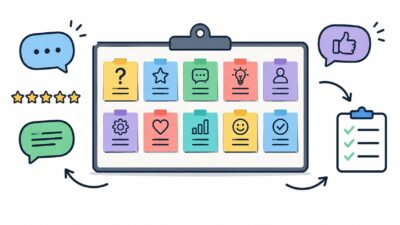
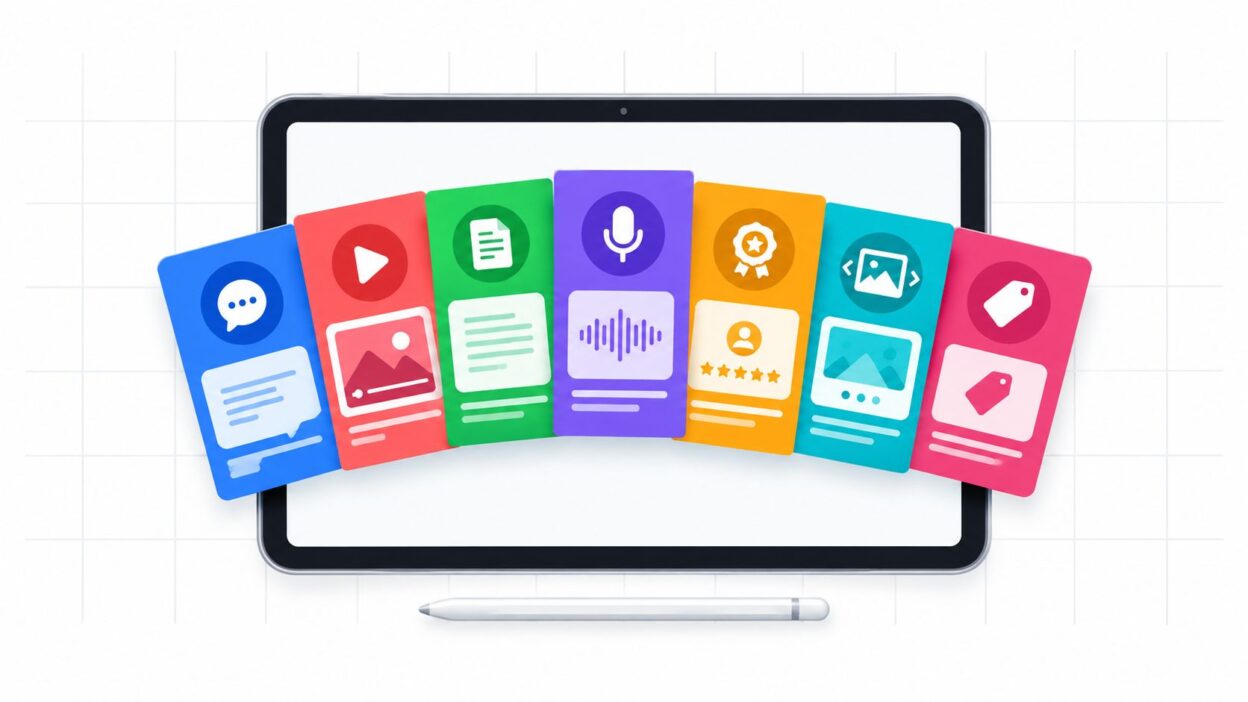
Review and adapt testimonials regularly to ensure they remain clear and current.The best testimonial format depends on the proof the buyer needs. A long customer story isn't always the strongest choice, because a visitor scanning a product page, pricing page, or local service profile usually wants a different kind of evidence than a B2B buyer comparing vendors. A template of testimonial can be a short quote, a badge, a carousel, a video script, an interview, a benefit-led block, or a full case study, and each one does a different job in the decision process.
That matters because review behavior has become a central trust signal. In a 2026 ConsumerAffairs survey, 77% of Americans said reviews matter when they buy, one in three won't buy without reading reviews first, and 80.2% said reviews have stopped them from buying. The same source says people spend an average of 13 minutes and 45 seconds reading reviews before deciding whether to trust a local business, so testimonial placement and format are conversion decisions, not decoration decisions, as noted in the ConsumerAffairs review statistics.
Bragly fits into that workflow as a way to collect, tag, sync, organize, and display testimonials without code, so the right proof can live on the right page.
Table of Contents
- 1. Star Rating with Short Quote Testimonial
- 2. Video Testimonial Template
- 3. Case Study Testimonial Template
- 4. Social Proof Badge Testimonial Template
- 5. Customer Interview Testimonial Template
- 6. Carousel Slider Testimonial Template
- 7. Benefit-Focused Testimonial Template
- Comparison of 7 Testimonial Templates
- Turn the Right Testimonial Into a Reusable Asset
1. Star Rating with Short Quote Testimonial
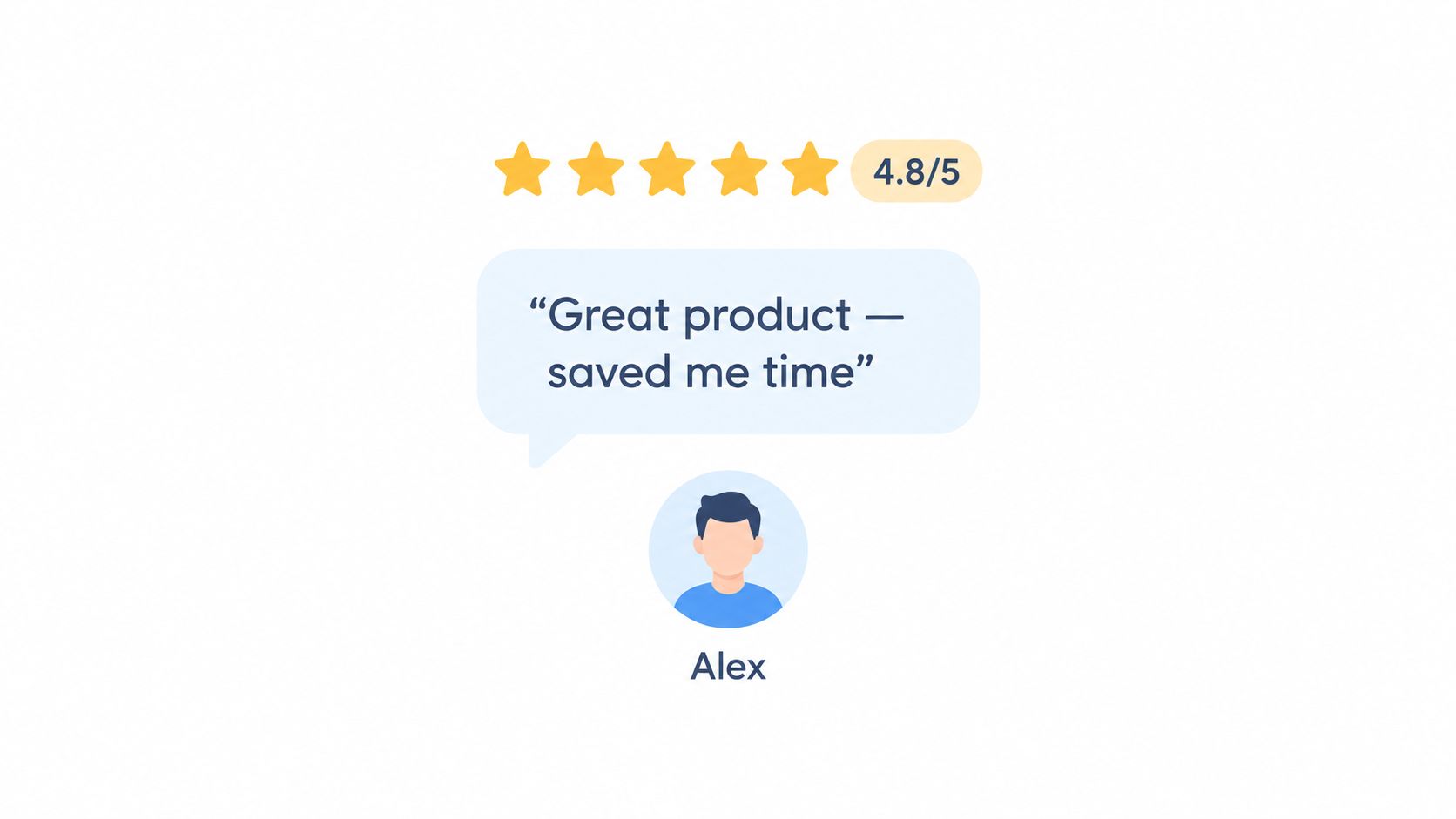
A star rating plus a short quote is the fastest way to signal credibility. It works because the rating gives instant structure, while the quote adds a human voice that makes the proof feel real instead of mechanical. On e-commerce product pages, local business profiles, and SaaS landing pages, this format can do more work than a long paragraph because people can grasp it in a second.
Keep the quote tight and useful
The strongest version pairs a high rating with a sentence that names a result, not just praise. “Great service” is weak. “We saved time on every order” is better because it tells the buyer what changed.
A practical layout often includes the reviewer's name, job title, or company, especially in B2B. That extra field matters because trust in testimonial evidence is selective, and authenticity cues now carry more weight. In a WorldMetrics review of customer trust data, 44% of customers only trust reviews that display the contributor's name, and 50% are more likely to trust a brand when reviews are authenticated by a reputable third-party platform. For that reason, a star-and-quote block should feel identifiable, not anonymous, as reflected in the customer review trust data summary.
Practical rule: Put your highest-rated, most specific reviews first, then rotate them so the page doesn't feel stale.
This format works best in sidebars, badges, compact cards, and review sections where you need quick proof without stealing the whole page. It falls short when the buyer needs context, such as implementation details or a multi-step buying decision.
For teams managing many reviews, Bragly's star rating calculator can help standardize how ratings appear in widgets so the display stays consistent across pages.
2. Video Testimonial Template
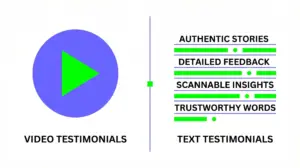
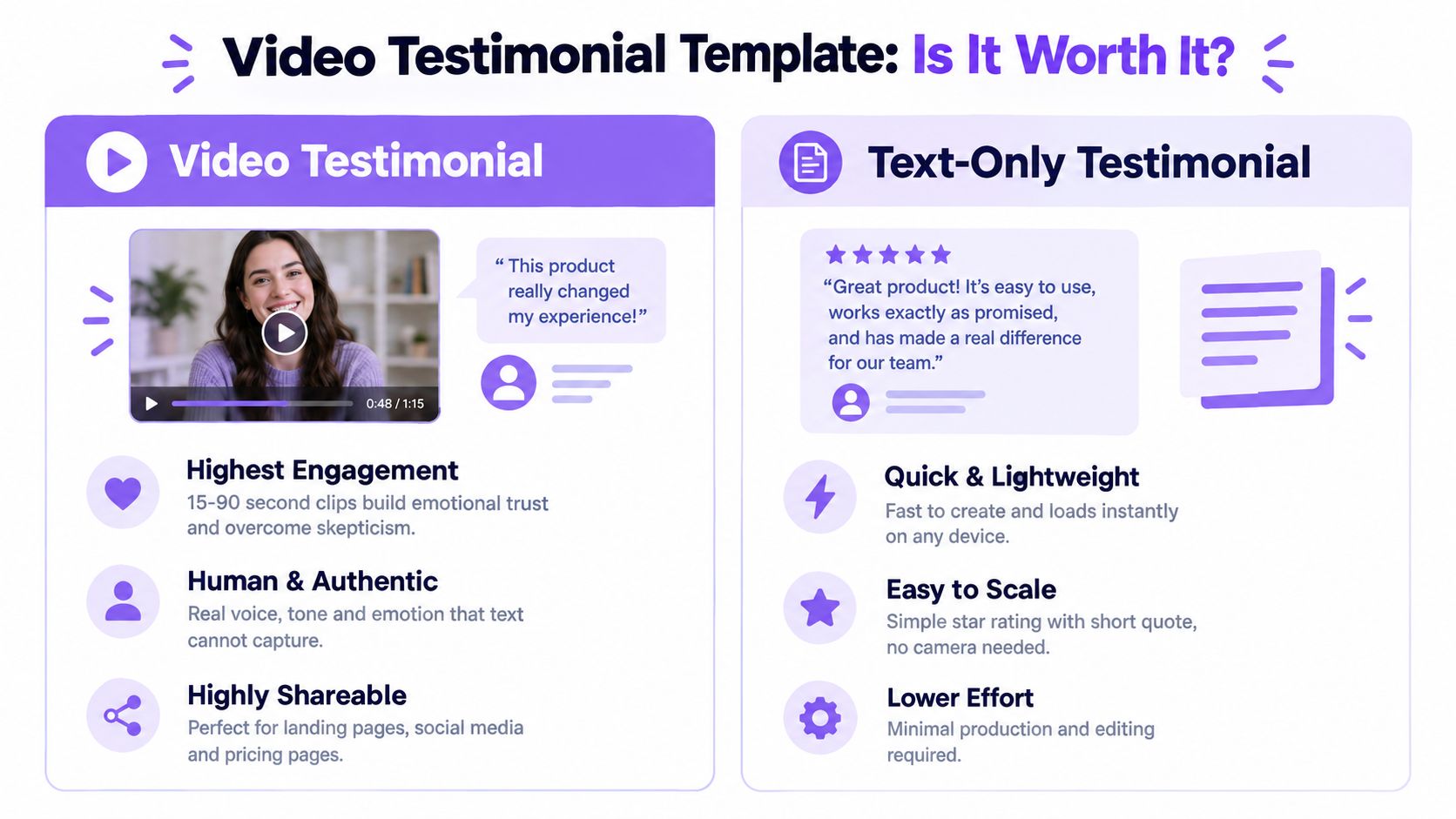
Video earns attention because it shows tone, pacing, and body language, not just the words on the screen. That makes it a strong choice when the buyer needs to believe a real person, especially on a landing page, feature page, or pricing page where skepticism is high and text can feel easy to skim past.
high-quality images from video 2026
A good video testimonial doesn't need production polish. It needs a clear customer, a specific problem, and a visible outcome. Service businesses often use this format well because the buyer can see the person behind the result, while SaaS teams use it to show how a workflow changed after adoption.
Shape the clip for mobile and short attention spans
Keep the message short and direct. A 30- to 60-second customer clip is easier to finish than a rambling interview, and it's easier to repurpose into a homepage module, paid ad, or social post. Captions matter too, because a lot of viewing happens without sound and mobile screens leave very little room for hesitation.
The format is also useful when you want to show diversity of use cases. A single written quote can only say so much, but a set of short video testimonials can show different industries, company sizes, or outcomes side by side. That's why video often sits well in a highlight strip or testimonial grid instead of a buried page block.
Bragly's video testimonials feature is relevant here because a no-code system makes it easier to collect, organize, and display clips without asking a developer to rebuild the page every time you add one.
Keep the recording close to the moment of success. Customers usually sound more concrete right after the win than months later.
The main trade-off is effort. Video takes more coordination than text, and weak audio or over-edited visuals can make it feel less credible. It works best when the customer sounds natural and the clip is treated as proof, not as a brand film.
3. Case Study Testimonial Template
A case study testimonial is the right format when the buyer needs a full story, not just a signal. It gives you room to show the problem, the implementation, and the outcome in sequence, which is why it fits enterprise sales, consulting, complex SaaS, and other purchases that involve risk, internal approval, or multiple stakeholders.
The strongest case study template reads like proof, not promotion. It should open with a concrete challenge, move through what changed, and end with results that are easy to understand. If the reader can't tell why the customer chose you, what the team did, or what improved, the piece becomes a generic success story instead of a usable sales asset.
Use depth only where the sale needs depth
This format is more expensive to produce than a quote card because it usually needs interviews, review rounds, and careful approval. That extra work is worth it on high-intent pages, especially for buyers who compare vendors based on implementation detail, internal fit, or expected return.
A useful structure is a headline, short summary, customer background, challenge, solution, and result. Include direct customer language throughout, because pure brand copy can make the story sound staged. When a team tags case studies by industry, company size, and use case, they also become easier to reuse across sales, email, and resource pages.
The main weakness is speed. A long case study won't help the visitor who wants a fast trust cue, and it can feel too heavy on a crowded homepage. It belongs where the reader is already leaning in.
Use case studies when your buyer needs to justify the purchase to someone else.
That is why this format is usually best on dedicated success-story pages, resource hubs, and sales enablement libraries rather than in a narrow sidebar module.
4. Social Proof Badge Testimonial Template
A badge is the quickest way to say “people trust us” without asking the visitor to read much at all. It works in headers, near CTAs, and above the fold because it compresses the proof into a compact visual signal. On e-commerce sites, SaaS homepages, and professional service pages, a badge can support the first glance before a visitor decides whether to scroll.
The badge format can show a rating, review count, certification, award, or platform signal. The point is not to tell a story, but to reduce friction. If the page is already crowded, a ribbon or badge keeps the design clean while still adding trust.
Make the badge specific enough to matter
A vague “trusted by customers” badge is weak. A clearer badge with a rating, review source, or meaningful label feels more grounded, especially when it sits close to a call to action. That said, the badge should not pretend to be more evidence than it is. A badge can support a claim, but it shouldn't replace the underlying testimonial content.
This format also responds well to the current trust environment. The 2026 Forbes report on online review trends found that 46% of consumers are suspicious of AI-written reviews, 82% believe they've seen fake reviews in the past year, and 86% are concerned about AI-generated reviews. The same report says 45.1% check for company responses to reviews, 33% trust a brand more when negative reviews are publicly answered, and only 20.5% trust businesses with 100% positive reviews. Those numbers point to a simple lesson, badges work best when they point to visible, auditable proof, as summarized in the Forbes review trends report.
A badge is also one of the easiest formats to maintain. Update the figure, verify the source, and keep it visually consistent with the page. The downside is obvious, it's thin on detail. Use it for instant credibility, not for persuasion-heavy pages that need narrative depth.
5. Customer Interview Testimonial Template
The interview format works because it sounds like a real conversation, not marketing copy. Buyers hear a customer describe the problem in their own words, which makes the proof feel less polished and more believable. Use it on thought leadership pages, resource hubs, and B2B content where prospects will read or listen closely.
A good interview still needs structure. A loose chat drifts, so set a clear Q&A flow that pulls out motivation, friction, adoption, and results. Keep it conversational, but edit for focus so the piece stays on topic.
Ask for details that a prospect can reuse
Questions about why the customer switched, what slowed them down, and what changed after implementation do more work than generic “How did we do?” prompts. A 5- to 8-question outline is usually enough if every question has a job and every answer adds something useful.
Ask for one concrete before-and-after moment. That line is often the one prospects remember.
This format shines when the sale depends on trust, team alignment, or a longer buying cycle. It gives room for nuance, which helps when the customer story needs to show how decisions were made, not just what result appeared at the end. Sales teams can also reuse a well-edited interview as short quotes, a summary post, or a transcript.
The trade-off is attention. If the interview runs long or feels unedited, it starts to read like homework. Break it into smaller sections, pull out the strongest lines, and tag the piece by topic or industry so people can find it quickly. For teams that need to organize and publish multiple assets without technical overhead, Bragly can help place interviews into cleaner layouts across the site.
6. Carousel Slider Testimonial Template
A carousel works well when you have several strong testimonials but limited space. It shows more proof without turning the page into a wall of quotes, which makes it useful on homepages, pricing pages, and product landing pages where layout room is tight and buyers still need variety.
The strength lies in density with control. One testimonial appears at a time, visitors can see that more proof is available, and the page stays visually tidy. It also helps when testimonials cover different customer types, because the slider can move through industries, use cases, or outcomes without crowding the page.
Give users control and keep each slide self-contained
A carousel should never assume the visitor will wait for the next slide. Each card needs enough context to stand on its own, and the controls should be obvious. If the widget feels like it is taking over the page, it stops working.
Bragly's testimonial widgets can display a carousel with no-code embeds and auto-sync, which reduces the manual work of updating slides. That matters for teams that need to refresh proof often, but it still requires curation. Too many slides, or too many near-duplicates, make the widget feel noisy instead of persuasive.
Auto-rotation can help visitors notice more testimonials, but it can also become annoying if it moves too fast. Keep the interaction simple, visible, and easy to pause. Do not bury strong proof inside a slider that reads like decoration.
A carousel should feel like a curated sample, not a storage closet.
This format is strongest when you want breadth without losing layout control. It is weaker when the buyer needs a deeper explanation or wants to scan the page in one uninterrupted pass.
7. Benefit-Focused Testimonial Template
A benefit-focused testimonial is the most practical format when the page already promises a specific outcome. Instead of telling a full story, it groups proof around the results the buyer cares about, such as time savings, ease of use, cost reduction, or revenue growth. That makes it a strong fit for feature pages, product pages, and comparison pages where the reader is evaluating what the product does for them.
This format works because it matches how people scan. A visitor looking at a project management tool probably wants to know about time savings or team coordination, not a long customer origin story. A merchant looking at an e-commerce platform may care more about growth or operational ease than a narrative about onboarding.
Match the categories to the page message
The benefit headings should mirror the message already on the page. If the page talks about speed, organize proof around speed. If it talks about support, show testimonials that mention responsiveness or ease of adoption. That alignment prevents the testimonial block from feeling random.
This template also gets stronger when testimonials are tagged by benefit category. That makes retrieval easier later, especially if you manage dozens or hundreds of customer quotes. Teams can then pull two or three relevant examples under each benefit without manually searching every time.
The risk is distortion. If a quote only loosely supports the benefit label, the page starts to feel misleading. Keep the labels honest, and don't force a customer statement into a category it doesn't really support.
The format can also absorb quantified results when you have them, but it doesn't depend on them. It still works when the proof is qualitative, as long as the quote clearly matches the promise on the page. That makes it one of the most flexible template of testimonial options for product teams that need relevance more than drama.
Comparison of 7 Testimonial Templates
| Template | Core Features ✨ | UX/Engagement ★ | Best for 👥 | Value/ROI 💰 | Unique edge 🏆 |
|---|---|---|---|---|---|
| Star Rating with Short Quote Testimonial | ✨ Star display, short quote (50–150 chars), name, avatar, compact | ★★★★ | 👥 E‑commerce, SaaS hero & product pages | 💰 Low effort → quick credibility | 🏆 Instantly scannable social proof |
| Video Testimonial Template | ✨ Video player (15–90s), captions, overlay title, thumbnail | ★★★★★ | 👥 SaaS, services, high‑trust B2B & social campaigns | 💰 Higher production cost; highest conversion uplift | 🏆 Most authentic & emotionally engaging |
| Case Study Testimonial Template | ✨ Challenge→solution→results, metrics, logos, long‑form content | ★★★★ | 👥 B2B buyers, enterprise sales, demand‑gen teams | 💰 Time‑intensive; high long‑term sales & SEO ROI | 🏆 Deep credibility with measurable outcomes |
| Social Proof Badge Testimonial Template | ✨ Avg rating, review count, platform logos, clickable badge | ★★★ | 👥 High‑traffic pages, headers, near CTAs | 💰 Very low effort; fast trust signal | 🏆 Compact credibility that fits tight real estate |
| Customer Interview Testimonial Template | ✨ Q&A format, customer context, quotes, photo/transcript | ★★★★ | 👥 Thought leadership, sales enablement, podcasts | 💰 Moderate effort; multi‑format reuse | 🏆 Conversational depth and nuanced insight |
| Carousel Slider Testimonial Template | ✨ Auto/manual slides, nav dots/arrows, responsive, avatars | ★★★★ | 👥 Homepages, pricing pages, product landings | 💰 Moderate setup; shows many proofs in small space | 🏆 Balances variety with clean, interactive design |
| Benefit‑Focused Testimonial Template | ✨ Benefit headers, supporting quote, quantified results, grid | ★★★★ | 👥 Feature pages, product marketing, B2B evaluation | 💰 Moderate effort; ties testimonials directly to value | 🏆 Aligns social proof to key product benefits |
Turn the Right Testimonial Into a Reusable Asset
The best selection path is simple. Use short quotes and badges when you need fast credibility. Use benefit-focused blocks when the page is selling features or outcomes. Use a carousel when space is tight and you want more than one proof point visible. Use video, interviews, or case studies when the buyer needs depth, context, or a reason to trust you with a bigger decision.
The stronger habit is not choosing one format forever, it's choosing the right source once and adapting it responsibly. Start with one authentic customer proof source, get permission to publish it, then reshape it for the page, whether that means a quote card, a short clip, a detailed story, or a compact badge. Review the asset regularly, because trust depends on recency, clarity, and whether the claim still matches the customer experience.
That's where a management layer helps. Bragly can aggregate reviews, collect first-party testimonials, tag and organize them, sync connected sources, and publish widgets across pages without code. For teams that need a practical system rather than a one-off quote block, that kind of setup keeps testimonial content current and easier to reuse.
Bragly helps teams collect, organize, and display testimonials in formats that fit the page, from badges and carousels to video highlights and quote blocks. If you want a no-code way to manage social proof across your site, visit Bragly and see how its testimonial workflows can support your pages.