Looking for a Shorter Overview?
AI Summary
Key Moments
Authenticity Over Polish
Prioritize real customer stories and specific evidence rather than scripted praise to build credibility.Structured Interview Approach
Organize interviews around problem, doubt, solution, outcome, and recommendation for a clear narrative.Legal Clearance Essentials
Secure detailed written releases that cover uses, editing rights, and approval before publication.Multi-Variant Editing
Create several video cuts of different lengths and contexts to suit various platform needs and viewer attention spans.You've recorded a customer interview that sounds genuine, captured clean audio, and collected a strong before-and-after story. Then the project stalls. The release form is vague, the raw interview runs too long, and the finished video ends up buried on a resources page where few buyers see it.
A client testimonial video creates value only after post-production turns real customer evidence into a usable, legally cleared, context-specific asset. The strongest workflow protects the speaker's credibility, preserves the details that make the story believable, and distributes different cuts where prospects hesitate.
Why Authenticity Beats High Production Value
Buyers have learned to recognize advertising language. A customer who repeats a polished slogan without explaining the original problem sounds like a spokesperson, not a peer. That distinction matters because testimonial video has moved into the standard marketing mix. Wistia-based reporting summarized in 2026 found that customer testimonials grew from 17% of video formats used in 2023 to 47% in 2026, making them the fastest-growing format in that period, as reported in video marketing statistics from Vidico.

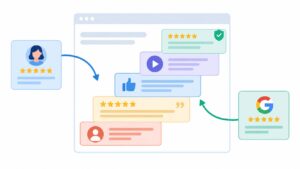
The same source set reports that 79% of consumers have watched a testimonial video before buying. That doesn't mean every testimonial persuades. It means audiences increasingly expect brands to provide customer-led evidence, particularly when the purchase involves risk, budget, implementation effort, or a long evaluation cycle.
Replace praise with proof
The useful contrast isn't amateur versus professional. It's specific evidence versus generic approval. “The team was great” gives a viewer little to assess. “We were losing time reconciling these reports, then we changed the workflow and removed that bottleneck” gives the viewer a problem, a change, and a reason to believe the speaker.
Look for customers who can explain:
- The starting point: What was frustrating, expensive, slow, or unreliable before the purchase?
- The decision tension: What alternatives did they consider, and what made them hesitate?
- The experience: What changed during onboarding, implementation, or daily use?
- The outcome: What practical improvement can they describe without exaggeration?
- The audience fit: Which similar buyer would recognize themselves in the story?
Customer review libraries can help you find that raw material. For example, browsing customer testimonials from AdManage.ai can show how different businesses express outcomes in their own language. Use that kind of reference for story selection, not for copying phrasing.
A flexible discussion guide works better than a script. Give the customer topics and follow-up prompts, then let them answer in their vocabulary. Ask for a difficult moment, a concrete example, and a balanced observation. A little hesitation or emotion often makes the final cut more credible than a flawless delivery.
For a practical question framework, use this customer testimonial template to prepare prompts without forcing the interview into rehearsed lines.
Editorial rule: If the customer sounds like your brand manager, the interview has been over-directed.
High production value still has a place. Clean framing, controlled light, and intentional editing signal care. They shouldn't erase the customer's mannerisms, qualifications, or honest limitations. Authenticity isn't an excuse for poor sound or confusing structure. It's the reason to spend production effort on clarity instead of cosmetic polish.
Structuring the Interview and Shot List
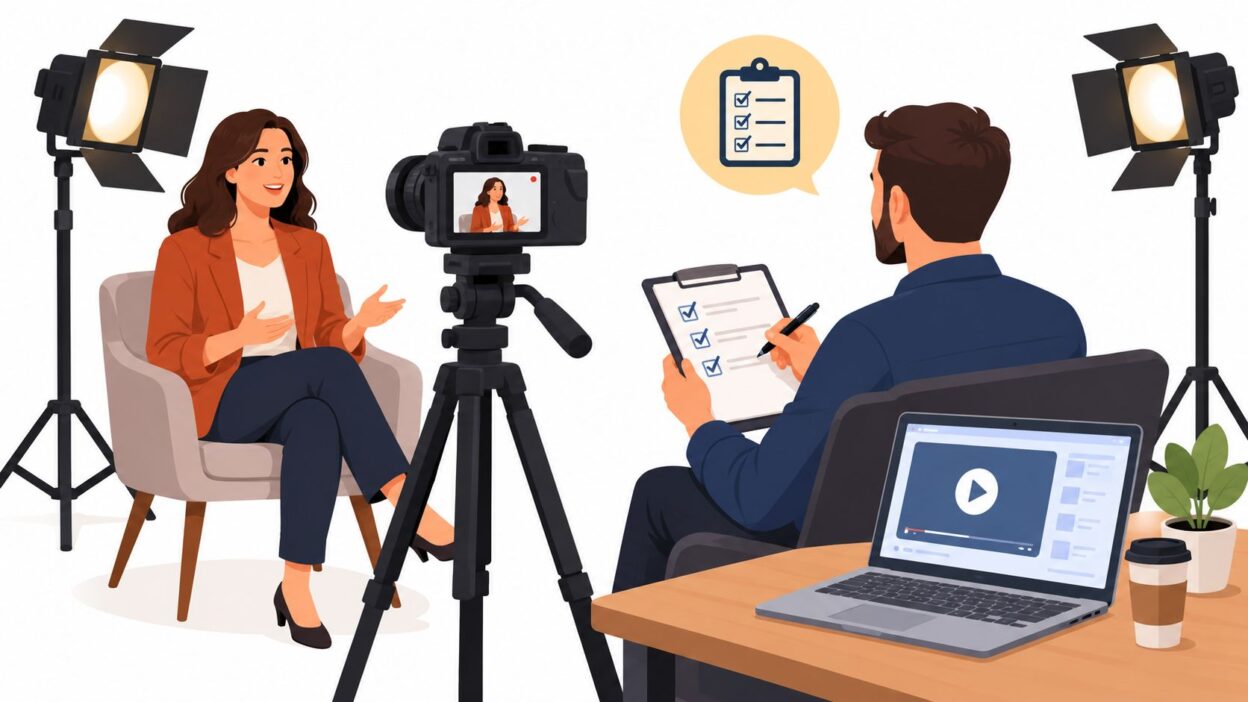
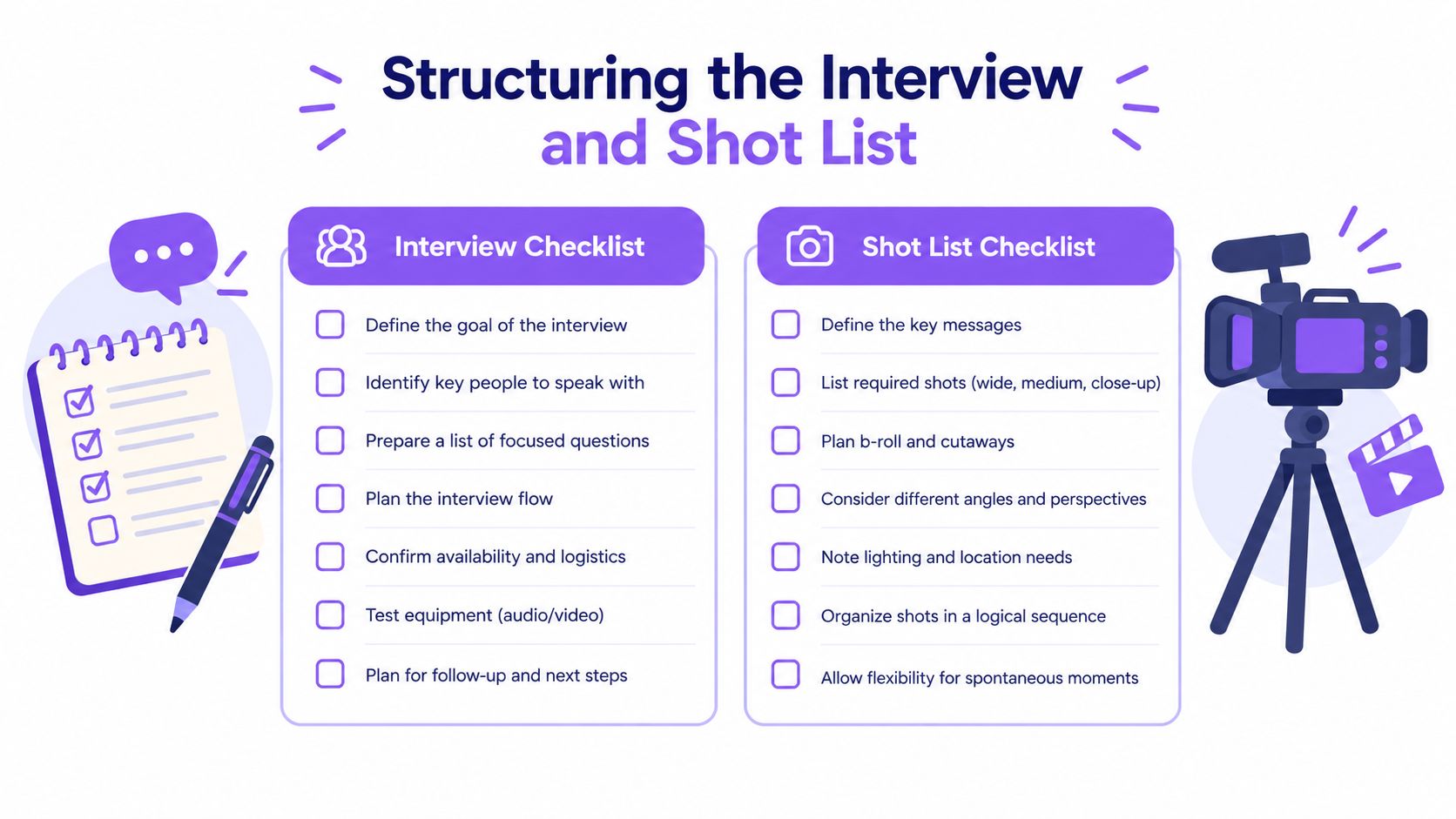
The strongest interview starts with the buyer's hesitation, not the customer's praise. Identify the concern that could stop a similar prospect from buying, then ask the customer to address it with a real example.
Build the conversation around a problem, solution, and outcome sequence while keeping each prompt open:
- Problem: “What was happening before you started looking for a solution?”
- Doubt: “What made you cautious about changing the existing process?”
- Solution: “What did you use first, and how did it fit into the team's work?”
- Outcome: “What changed after the new approach was in place?”
- Recommendation: “Who would benefit from this, and who might need a different approach?”
Objection-focused interviews give the edit a clear narrative spine. They also produce material that can be cut for different page contexts, from a short product-page clip to a longer case-study video. Ask for the customer's specific concern, the evidence that changed their view, and the limitation they would still acknowledge. That balance often sounds more credible than an uninterrupted success story.
Build the shot list around the edit
Record the interview in a stable medium or medium-close frame, then capture enough supporting footage to shorten answers without creating visible jumps. Useful B-roll includes:
- Product interaction: The customer using the software, device, service, or workflow in context.
- Environment: The office, shop floor, studio, or workspace where the original problem occurred.
- Human detail: Hands working, a team discussion, a customer reviewing a result, or a natural reaction.
- Contextual cutaways: Relevant screens, documents, tools, packaging, or process steps.
- Alternative angles: A wider establishing shot and a closer angle for hiding cuts while preserving conversational flow.
Plan these shots around the final placements. A vertical crop may suit a mobile widget, while a wider frame gives a landing-page embed more room. Capture clean screen recordings or product footage separately when the interview location makes the workflow hard to show clearly.
Record room tone after the interview. Ask the customer to repeat key actions softly if the first take was rushed. Those details help editors cover pauses, repeated phrases, and awkward transitions without cutting away at the wrong moment.
Ask for specific memories rather than manufactured enthusiasm. The moment the old process failed, the first sign of improvement, and the reaction from the team will usually create stronger footage than a request to “sound excited.”
Technical Setup and Legal Consent Requirements
A modest setup can produce a credible result if it protects the fundamentals. Audio quality matters more than cinematic resolution. Put a lavalier or shotgun microphone close to the speaker, monitor with headphones, and record a short test before the interview begins. Listen for air conditioning, traffic, clothing rustle, keyboard noise, and room echo.
Lighting should separate the customer from the background without making the scene look artificial. Use soft, even illumination, avoid strong backlight, and consider multiple angles when the room allows it. A stable camera, consistent exposure, and a clean background will usually help more than adding technical complexity. For teams choosing equipment, this guide to choosing a dictation microphone offers useful principles for prioritizing microphone selection and placement.
Clear the rights before editing
A casual “sounds good” email isn't a reliable substitute for written permission. The release should identify:
- The permitted uses: Website, paid advertising, social channels, email, sales presentations, and other intended placements.
- The identity rights: Use of the customer's name, job title, company name, likeness, photograph, voice, and recorded image.
- Editing rights: Permission to shorten, rearrange, caption, subtitle, crop, or combine the footage with B-roll.
- Distribution scope: The territories, channels, and duration that apply to the permission.
- Approval terms: Whether the customer receives a review, what they can request, and whether approval covers accuracy or every creative choice.
- Third-party material: Any logos, screens, people, confidential information, or locations that appear in the footage.
Legal guidance on testimonial release terms for digital businesses also notes that minors require written consent from a parent or legal guardian. Don't rely on the interview itself to establish rights, and don't assume an existing customer relationship grants permission to publish their likeness.
If the customer wants final approval, define the process before filming. Limit review to factual accuracy and unauthorized disclosure where possible. Otherwise, a vague approval promise can turn a short edit into an open-ended negotiation. Store the signed release with the project files and record which final versions it covers.
A no-code publishing workflow can then connect the cleared asset to your review system. Bragly supports video testimonial collection through browser-based forms and displays video highlights through widgets, while its broader video testimonial feature set can fit teams that want collection and publication in one workflow.
Editing for Retention and Emotional Impact
The edit should remove friction, not personality. Start by transcribing the interview and marking every answer that contains a problem, a decision, a concrete detail, an emotional turn, or an outcome. Build a paper edit before adding music, transitions, or animation.
Cut:
- Long warm-up answers that repeat the setup.
- Filler words that interrupt meaning.
- Duplicate responses recorded after the customer tried a second version.
- Tangents that interest the speaker but don't help the target buyer.
- Claims that the business can't substantiate or that the release doesn't cover.
Keep a breath when it carries thought. Keep a smile, pause, correction, or moment of relief when it helps the viewer understand the person behind the claim. Removing every imperfection can make the customer sound synthetic.
Make variants from one interview
One interview shouldn't produce one master file. Create a version for the page where the full story belongs, then derive shorter cuts for narrower attention windows. Research summaries commonly place effective testimonial length around 45 to 75 seconds, while short-form social placements often work best around 15 to 30 seconds, as reported in testimonial video statistics for 2026. Completion tends to fall sharply beyond two minutes, so a longer edit needs a clear reason to exist.
A practical package might include:
- Core story: A complete problem, solution, and outcome narrative for a landing page or sales conversation.
- Objection cut: One concern answered directly, suitable for a product or pricing section.
- Outcome cut: The strongest result, with enough context to avoid sounding like an unsupported claim.
- Vertical social cut: A tight version with captions, reframed for mobile viewing.
- Silent-preview version: Burned-in captions and an opening visual that works without sound.
Use captions for accessibility and silent playback. Keep branding restrained. A lower third can identify the speaker, while a short text overlay can clarify an outcome, but overlays shouldn't compete with the testimony.
“Short” doesn't mean shallow. It means every remaining sentence earns its place.
Export with a responsive viewing environment in mind. Test the first frame, caption legibility, crop, audio level, and load behavior on mobile before approving the final files. The edit is finished when the right viewer understands the story quickly, not when the timeline contains every usable sentence.
Strategic Embedding and Widget Placement
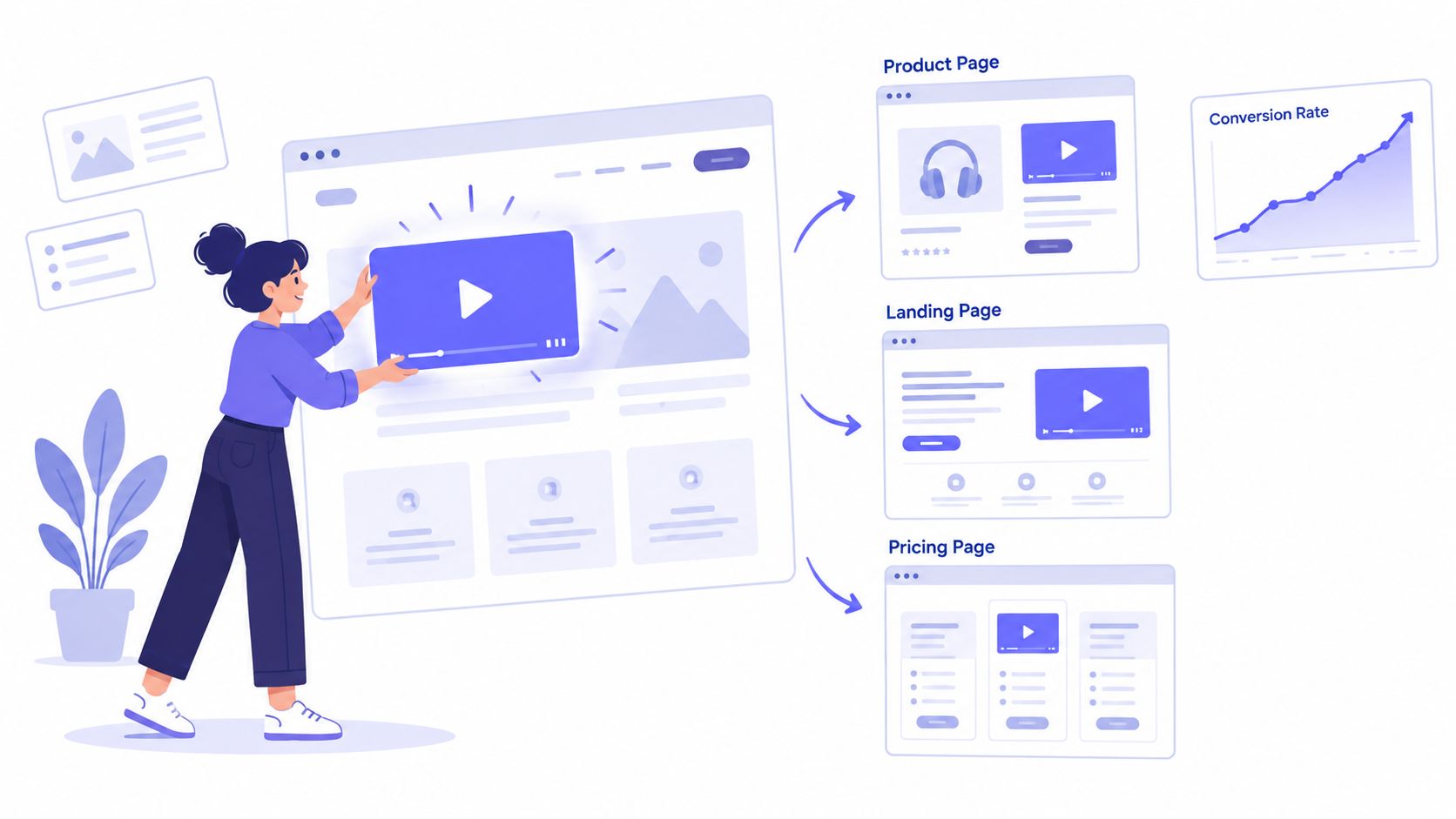
A client testimonial video earns attention only when it appears beside the decision it can influence. Place it near the primary promise or form on a landing page, beside plan comparisons on a pricing page, and near reassurance content at checkout. The surrounding copy should explain what the viewer will learn, while the player gives that proof a visible, low-friction path.
Independent analysis has reported landing-page gains ranging from 25% to 34% for pages using video testimonials, with some tests reaching 39%, as summarized by GetCredibly's comparison of video and text testimonials. Treat those figures as a reason to test, not as a forecast. Record the page context, audience, edit length, player position, and adjacent copy so the video does not receive credit for every conversion change.
Match the widget to the page job
Dynamic widgets let the same approved testimonial serve different page contexts without rebuilding each page. Configure them to display a relevant customer, related written proof, and the right edit for the visitor's stage. A practical setup includes:
- Relevant filtering: Match the customer to the visitor's use case, industry, or concern.
- Corroborating text: Place written reviews beside the video when they support the same experience.
- Source labels: Show who submitted the review or where it originated.
- Recency signals: Include a date or update status when freshness affects evaluation.
- Responsive behavior: Adjust player size, crop, captions, and layout for smaller screens.
- Clear controls: Let visitors play, pause, mute, and replay without intrusive autoplay.
Legal clearance still matters after filming. Confirm that the signed release covers editing, captions, cropping, distribution channels, paid promotion, and reuse on future pages. Keep an approval record for the final cut, especially when shortening a statement could change its meaning. A widget cannot correct an edit that the customer has not approved.
Responsive delivery deserves its own test. One independent data summary reported better conversion performance for responsive or mobile-optimized players and an advantage for early-page placement, according to Brixon Group's analysis of video testimonials in B2B marketing. Use that finding to compare player behavior and placement separately rather than changing both at once.
Use a website with widgets to distribute modular proof points across relevant pages. Test one meaningful change at a time, such as a player above the fold versus a text-led block, or an objection cut versus the complete story. Review plays, completion, form starts, and purchases together. A high play rate alone does not prove that the testimonial improved conversion.
Your End-to-End Production Workflow
A repeatable workflow keeps the project from ending with an unedited interview on a hard drive. Treat every customer story as a small content operation with a clear owner, approval path, and deployment destination.
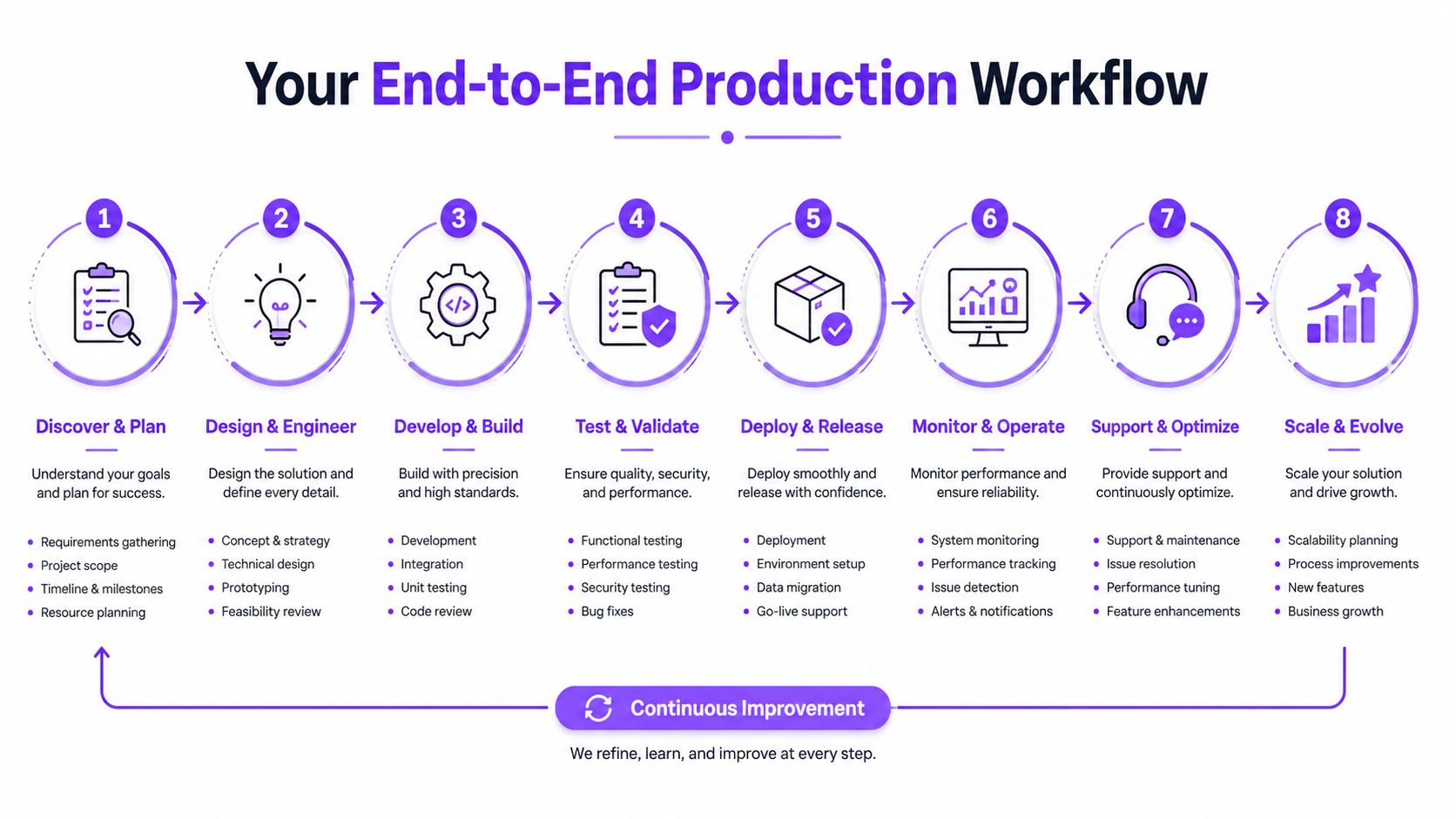
Use this sequence:
- Select the customer: Confirm audience fit, a clear problem, and an outcome they can explain.
- Define the page job: Decide whether the video will support discovery, evaluation, checkout, or sales enablement.
- Secure the release: Cover identity, editing, distribution, approval, and any minor or third-party considerations.
- Prepare the guide: Build objection-led prompts and avoid writing answers for the customer.
- Capture the interview: Prioritize clean sound, soft light, stable framing, and natural delivery.
- Film supporting material: Record product use, environment, hands, screens, room tone, and alternate angles.
- Edit and approve: Create the core story and shorter variants, then run a defined factual review with the customer.
- Deploy and learn: Embed the relevant cut, pair it with corroborating reviews, and monitor page behavior.
When internal capacity is limited, compare the workflow and deliverables offered by corporate video production companies, then keep ownership of the customer narrative and release process in-house. Outsourcing camera work doesn't remove the need for a precise brief.
The final handoff should include the signed release, transcript, captions, approved master, short variants, thumbnails, usage notes, and widget configuration. That package lets your team reuse the story without reopening basic legal or editorial questions.
Bragly lets teams collect video testimonials through shareable browser forms, manage them alongside written reviews, and display approved proof through no-code widgets across key website pages. Visit Bragly to turn your next cleared customer interview into a reusable, context-specific conversion asset.