Looking for a Shorter Overview?
AI Summary
Key Moments
Importance of Governance in Review Connectivity
Review connectivity must be managed like a release pipeline, with assigned ownership for ingestion, freshness, and source changes to maintain trustworthiness.Trade-offs Among Review Data Plumbing Models
Direct API, aggregators, and scraping each have distinct costs, freshness levels, and risks that affect maintenance and data reliability.Significance of Sync Settings and Filtering
Proper tuning of sync cadence, filtering, and source mixing is essential to preserve widget accuracy and prevent skewed or stale social proof.Need for Regular Maintenance and Troubleshooting
Monthly checks on source sync status, credential rotation, and deletion sync prevent silent data drift and ensure the review feed stays current.The first sign that your review workflow has outgrown hand editing is usually ugly and familiar. Someone on the marketing team has five tabs open, a homepage widget is still showing a six-month-old testimonial, and a one-star comment that landed this morning hasn't made it anywhere important yet.
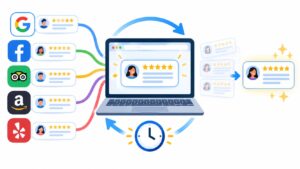
That's the moment auto connect reviews stops being a convenience feature and starts acting like infrastructure. Review feeds now support product pages, ad landing pages, AI answer surfaces, and CRO tests at the same time, so every disconnected source becomes a separate refresh job, a separate permission grant, and a separate place where stale proof can slip through. If you want a practical map of how operators think about this problem across content and widget stacks, the SiteSelf article archive is a useful reference point for adjacent workflows.
Why Auto Connect Reviews Has Become Infrastructure
Manual review pasting breaks the same way every brittle process breaks, quietly and then all at once. A team member copies in positive quotes, another person updates a location page, and nobody notices that the public widget still shows the wrong mix of sentiment because one source fell out of sync. At that point, the widget isn't a design element anymore, it's a governed data surface.

That shift matters because consumers don't treat reviews as decoration. In a 2026 industry survey, 97% of consumers read online reviews before committing to a local business purchase, 66.5% always check reviews before buying, and 45.1% check whether a company responds to reviews (inc.com survey summary). Another source found 73% of consumers only trust reviews written within the last month, which explains why stale widgets can undercut a page even when the copy, pricing, and offer are strong (WiserReview statistics).
The governance layer is the product
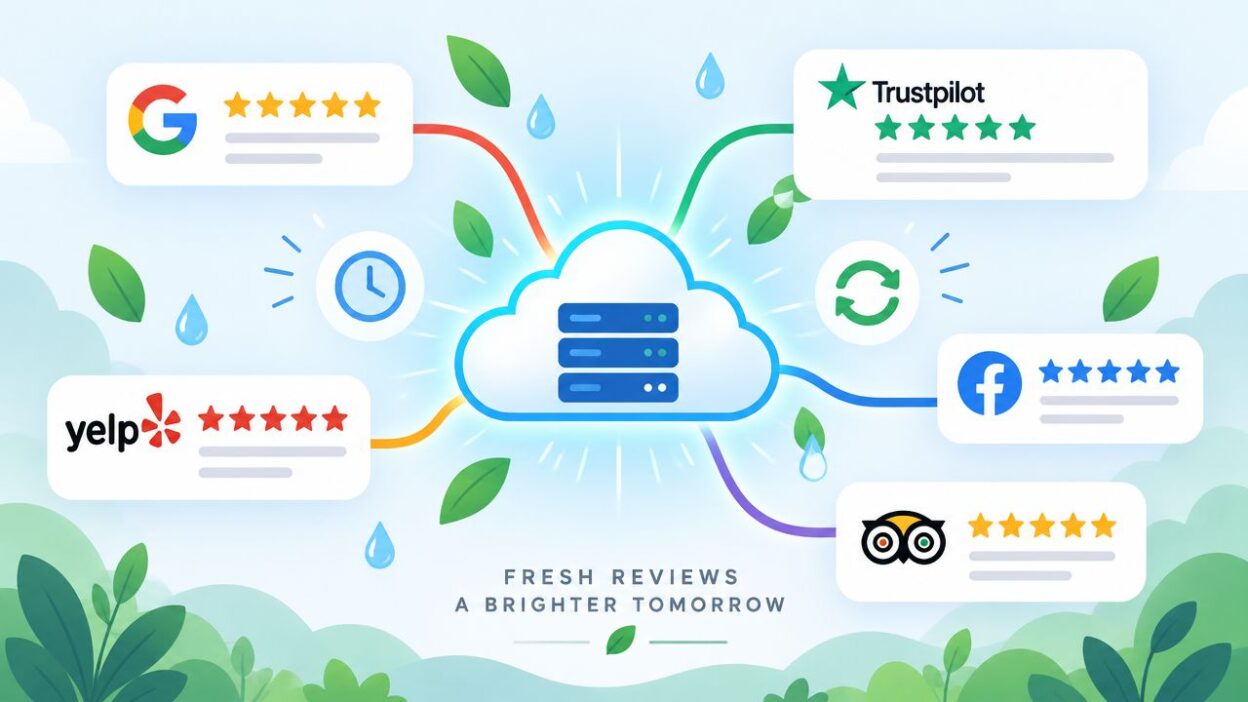
That's why the connective tissue matters more than the widget skin. Every source you wire in needs its own access scope, its own refresh cadence, and its own reconciliation rule for deletions or edits. If one branch stops syncing, the homepage may still look healthy while the underlying review mix has already drifted.
Practical rule: treat review connectivity like a release pipeline. Someone owns ingestion, someone owns freshness, and someone owns what happens when the source changes underneath you.
A connected stack also helps because consumers are not generous with weak social proof. BrightLocal's 2024 survey found that 59% of consumers expect a business to have between 20 and 99 reviews, and 75% of consumers ‘always' or ‘regularly' read online reviews (BrightLocal 2024). In practice, that means sparse widgets look unfinished, and stale widgets can look careless.
The Three Plumbing Models for Auto Connect Reviews
There are really three ways review data reaches a site, and the trade-offs are easier to live with once you name them clearly. The wrong setup usually isn't “bad software,” it's a plumbing choice that doesn't match the team's source mix, refresh expectations, or maintenance appetite.
Direct API, aggregator, and scraping
A direct API integration is the cleanest version of the problem. You connect one source, usually Google or another platform with a formal API, and you get the most predictable data contract, the simplest debugging path, and usually the freshest feed. The cost is obvious, every new platform becomes another build, another permission model, and another place for schema quirks to show up.
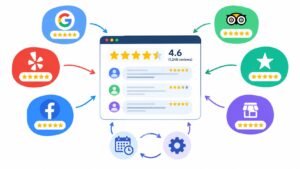
An aggregator sits in the middle and normalizes multiple sources behind one connection flow. That's the pattern many teams want once they cross a few platforms, because one handshake is easier to govern than five. The trade-off is latency and normalization overhead, which is the price of broad coverage.
Scraping is the emergency option. It's fast to start and sometimes the only path when a platform offers no usable API, but it's brittle against markup changes and can create legal and compliance headaches depending on the source.
Operational shortcut: if freshness is strict and the source count is small, direct API wins. If coverage matters more than source-by-source perfection, an aggregator is usually the saner route. If scraping is the only option, treat it as provisional, not foundational.
The broader data-plumbing logic behind that choice is worth understanding, especially if your stack already moves other content or event data through multiple systems. A guide to data plumbing helps frame why the integration surface, not just the output widget, is where most failures begin.
| Model | Setup Cost | Data Freshness | Source Coverage | Main Risk |
|---|---|---|---|---|
| Direct API | Higher for each new source | Usually strongest | Narrow unless engineered outward | Source-specific maintenance |
| Aggregator | Moderate | Good, with some delay | Broad across many platforms | Normalization and sync lag |
| Scraping | Low to start | Unstable | Depends on what can be scraped | Markup breaks and policy risk |
Walking Through a Real Connection Setup
A real setup usually starts in the Sources area of an aggregator dashboard, not in the widget editor. From there, you click Add Source, pick the platform, and then get pushed into a permission screen that looks different for Google, Trustpilot, G2, Facebook, and Yelp because each source exposes a different access model.

What each toggle actually changes
For a Google Business Profile source, the permission screen should be read like a contract. The aggregator typically asks for read access to reviews and locations, plus reviewer profile data where allowed, while some scopes are optional add-ons that support richer display or enrichment. Approve the scopes, then choose the locations you want tracked, because unselected branches won't magically appear later.
Next comes the layout choice. You'll usually pick a default widget or a custom layout, then decide whether to pull historical reviews or only new ones going forward. Historical backfill sounds harmless, but it can time out on large accounts, and new-only mode means deleted reviews won't reappear if the platform removes them later.
The last check is the one teams skip too often. Render the widget in test mode, verify the reviewer avatar and star count, and confirm the timestamp is recent enough for the page where it will live.
A source connection isn't finished when the auth screen says yes. It's finished when the widget output matches the source, the timestamps make sense, and the branches you meant to include are the only ones showing up.
For operators working inside Bragly, the source connection flow is exposed in its integration path, and its Google setup details are documented at Bragly's Google integration page. That's the kind of place where setup choices become visible instead of hidden behind a single “connect” button.
Platform Differences That Actually Matter
Not every review platform behaves the same once you try to display its content outside its own environment. The differences that matter most are API access, history depth, and redistribution rules, because those three determine whether a widget stays useful after launch or turns into a maintenance problem.
What each platform really gives you
Google Business Profile is often the easiest source to start with because it's central to local discovery, but the display rules are still bounded. Trustpilot is more structured, yet the practical value depends on plan level and partner access. G2 is especially important for B2B, but verified-buyer rules and badge attribution shape how you can syndicate content. Facebook's review access has become much tighter over time, and Yelp's approval model makes it a poor fit for casual widget use.
| Platform | API Access | History Depth | Redistribution Rules | Sync Gotcha |
|---|---|---|---|---|
| Broadly accessible for business profiles | Useful, but display formatting is constrained | Display limits apply, including author formatting and snippet constraints | Location and scope mismatches can hide valid reviews | |
| Trustpilot | Partner-oriented structured access | Full text history may depend on plan level | Reviewmark and branding rules apply | Plan limitations can change what gets imported |
| G2 | More controlled syndication | Best for verified-buyer content | Badge attribution is required | Unverified content won't move the same way |
| Restricted review access | Often limited | Redistribution is constrained | Page review access can return nothing useful | |
| Yelp | Invitation-only style access | Narrower practical use | Written approval is required for widget display | Approval dependency slows rollout |
The other issue is trust by platform. Clutch's 2026 research found that 73% of consumers trust Amazon reviews, 65% trust Google reviews, and only 46% trust reviews hosted directly on brand-owned websites, while more than 21% actively distrust brand-site reviews (Clutch research). That doesn't mean first-party testimonials don't matter, it means third-party aggregation usually carries more weight in the widget itself.
Sync Settings Worth Tuning From Day One
Most review stacks don't fail because the connection is impossible. They fail because the defaults are too blunt for the pages where the widgets live. The first setup pass should focus on cadence, filtering, and where a review is allowed to appear.
The settings that change behavior
Start with sync cadence. High-velocity sources usually need faster refreshes, while steadier sources can tolerate slower updates. If your platform supports webhook-triggered updates, use them where available, because polling is always a compromise.
Then decide how much filtering you want before a review reaches the page. A temporary minimum-rating floor can help during migration, but leaving it in place forever creates a skewed widget that no longer reflects the mix of feedback. Language and locale filters matter too, especially when a US-targeted page should not surface reviews written for another market.
A few other controls deserve early attention:
- Response inclusion: pull in business replies if the page needs visible follow-up context.
- Source mixing ratios: prevent one dominant platform from crowding out everything else.
- Per-page targeting: map source groups to product lines, locations, or campaign pages.
- Manual override holds: stop a synced negative review from being suppressed without review.
- Auto-pause triggers: pause a feed if a threshold condition needs human attention first.
The safest way to think about these settings is as page governance, not cosmetic preferences. A widget on a pricing page has different tolerance for sentiment than a local landing page or a comparison page.
Practical rule: use filtering to control migration noise, not to hide reality. The moment a permanent filter rewrites the emotional shape of your feedback, you've made the widget less trustworthy than the source.
The operational side of syncing matters here too, especially if your team is trying to standardize how feeds move into live pages. Bragly's own review sync guidance reflects that same idea, sync is a control plane decision, not just an import toggle.
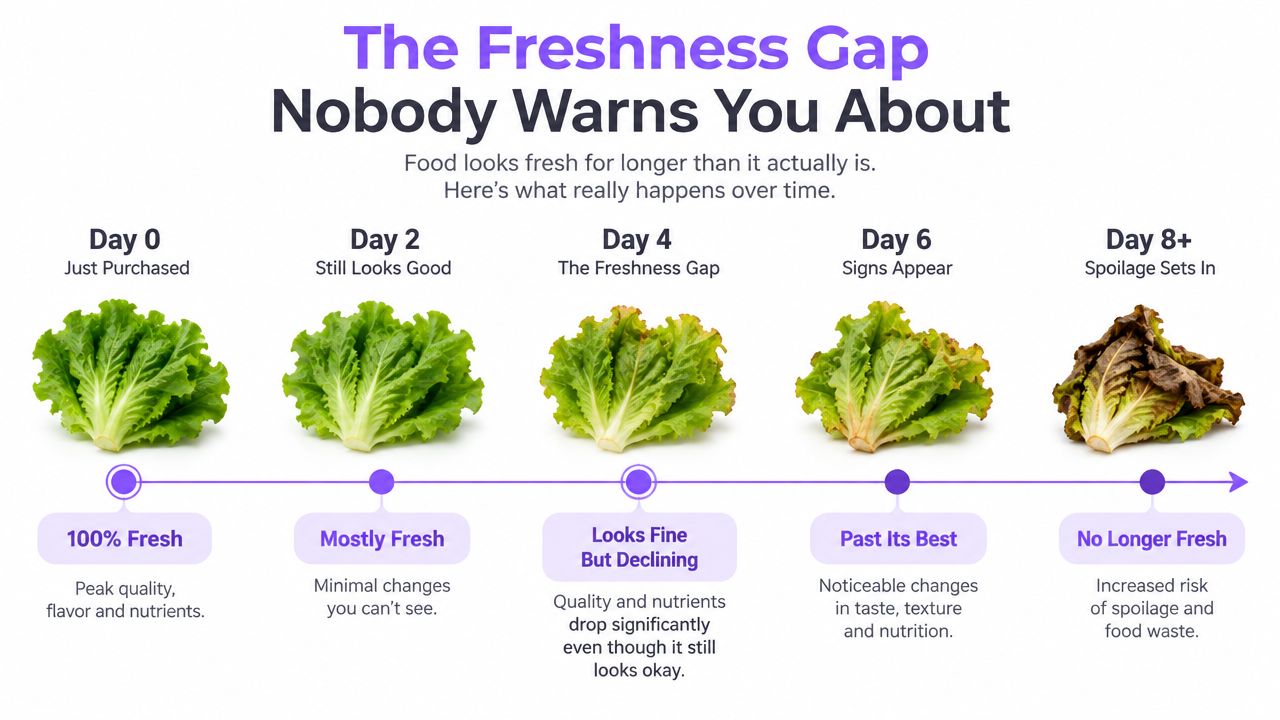
The Freshness Gap Nobody Warns You About
“Real-time” is one of the loosest words in review ops. A widget can be technically connected and still display content that's old enough to mislead a buyer, especially if several cache layers sit between the source and the page.
Where delay usually hides
The first layer is source-side caching. The second is the aggregator's polling interval. After that comes CDN edge caching of the widget markup, and then browser-side caching of the rendered page. Any one of those can make a fresh review look invisible for longer than expected.
A fast verification check doesn't need a long audit. Post a test review on a sandbox source, note the timestamp, and check the widget on a schedule until it appears. If the vendor claims fast sync, ask for documentation of the whole chain, not just the label on the marketing page.
A hard refresh in the browser doesn't prove freshness, because the browser can still be showing cached widget code or cached API output. Cache-busting query parameters are more useful when you need to isolate whether the problem sits in the page layer or farther upstream.
For schema and rendering consistency, the review schema markup guide is a good companion reference, because stale display logic and stale structured data often travel together.
Troubleshooting When Connections Break
Connection failures usually show up in three patterns, and each one leaves a different trace. The fastest teams don't guess, they read the fingerprint first, then fix the layer that broke.
Revoked tokens, deleted reviews, and rate limits
A revoked token often looks like a source that disappears after a password reset, an OAuth audit, or an admin cleanup. The fix is to re-authenticate from the aggregator's connection panel, not to delete and recreate the source, because rebuilding the whole connection can wipe useful state.
Deleted source reviews are more dangerous because they can make a widget look trustworthy while displaying content that no longer exists on the origin page. That's the fastest route to a trust problem. If deletion sync is available, enable it, then audit displayed reviews against the source URLs after any complaint or moderation event.
Rate limits usually show up as intermittent gaps during traffic spikes or bulk refreshes. Most aggregators throttle endpoint pulls, so back-to-back syncs may queue rather than fail loudly. Check the connector activity log timestamp first, then decide whether the fix is to space refresh requests or move to a higher plan tier.
| Failure Mode | Symptom | Diagnostic Step | Fix |
|---|---|---|---|
| Revoked token | Source vanishes after an auth event | Check the connection panel for expired access | Re-authenticate the source |
| Deleted review | Widget shows content missing from origin | Compare widget output with source URLs | Enable deletion sync and reconcile |
| Rate limit | Syncs stall or skip during bursts | Inspect activity logs and pull timing | Space requests or adjust plan |
A separate network issue can muddy the diagnosis, especially in local environments where the browser, proxy, or office network is the actual failure point. The troubleshooting structure in this network connection guide for Australia is a decent reminder to rule out simple connectivity problems before chasing platform-side ghosts.
The monthly hygiene ritual
A connected stack drifts faster than many expect, so one named owner should run a monthly check instead of letting the feed become someone's vague responsibility. Verify each source's last successful pull against the platform's own activity, reconcile display counts on the top sources, rotate shared credentials for people who've left, re-read redistribution terms, and export a snapshot of current widget output for comparison next month.
Practical rule: if a source is more than 72 hours behind, investigate before the next campaign launch. If your top sources differ by more than a small amount between the widget and the origin, a filter is probably eating reviews somewhere in the pipeline.
That's the standard that keeps auto connect reviews from becoming a silent liability. If you want a system that keeps source feeds current, organizes multiple platforms, and updates widgets without manual copy work, visit Bragly and evaluate how its review connection and auto-sync setup fits your stack.